
Transfer between currencies
See how the exchange rate, the cost and the amount received work when two wallets use different currencies.
When the two wallets of a transfer use different currencies, the form adds the exchange rate, what the exchange cost you, and the amount that arrives.
Before you start
You need two wallets in different currencies, and you start as in Transfer money between wallets.
Steps
Web
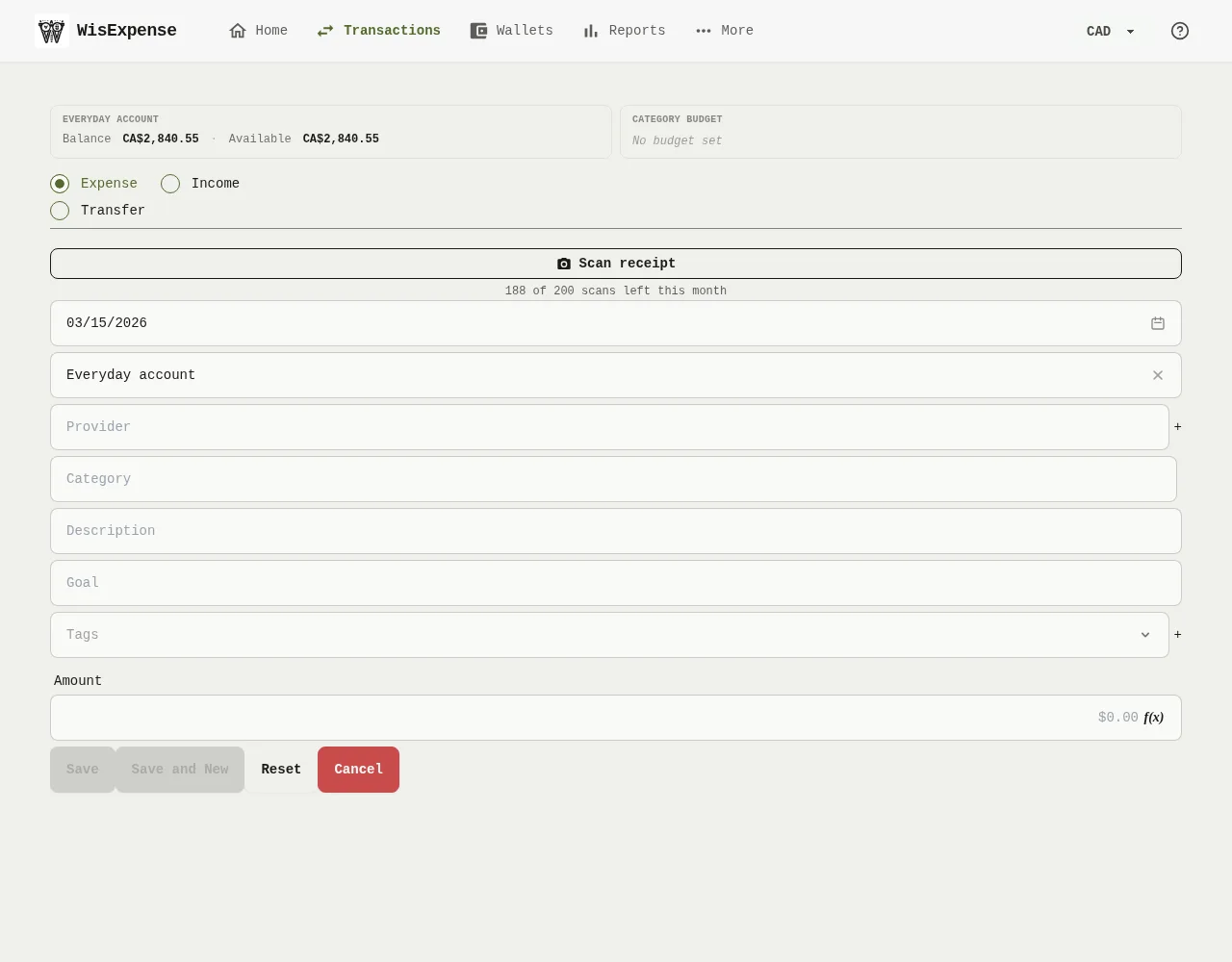
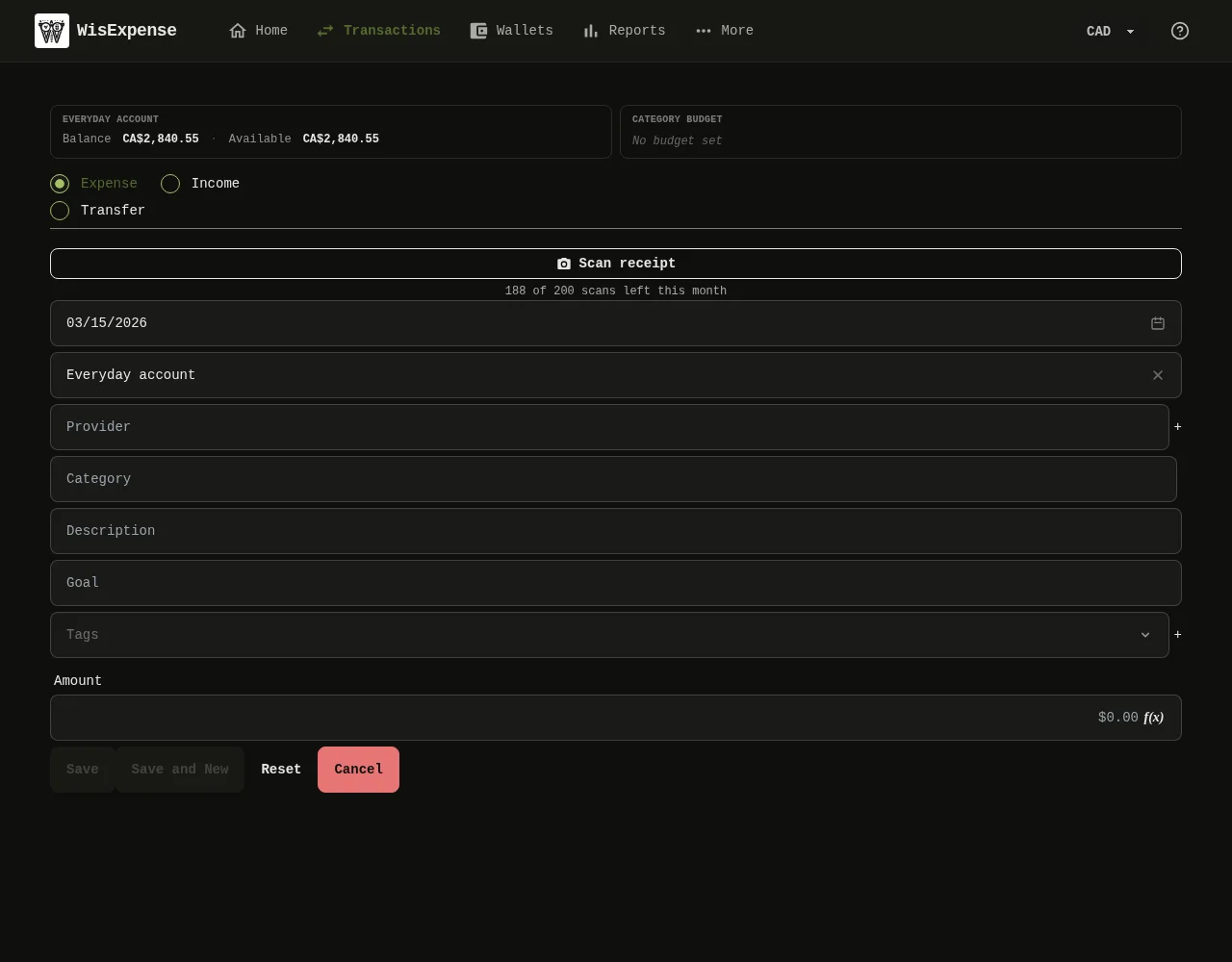
- Start a transfer: select Transfer Marker 1, then choose the Source Wallet and the Wallet Marker 2 in different currencies. The form adds fields for the exchange provider, the exchange rate, the transaction cost and the amount received.
- Type the Amount Marker 3, in the currency of the source wallet.
- Check the exchange rate. The form fills in the latest rate it has. Change it if your provider’s rate was different, or select the ✕ button next to it to go back to the suggested rate.
- Type the transaction cost, or type the amount you actually received, and the cost is worked out for you.
- Select Save Marker 4.
Mobile
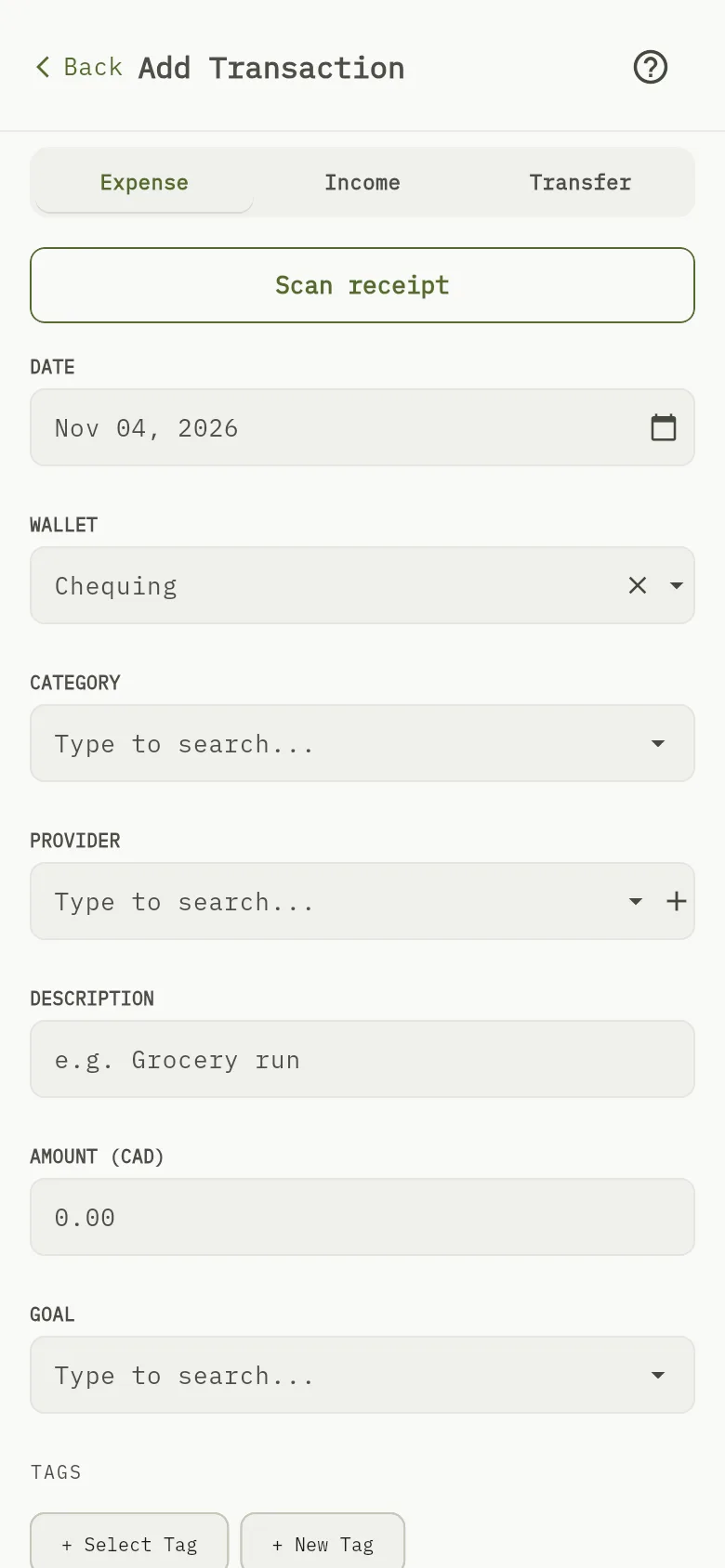
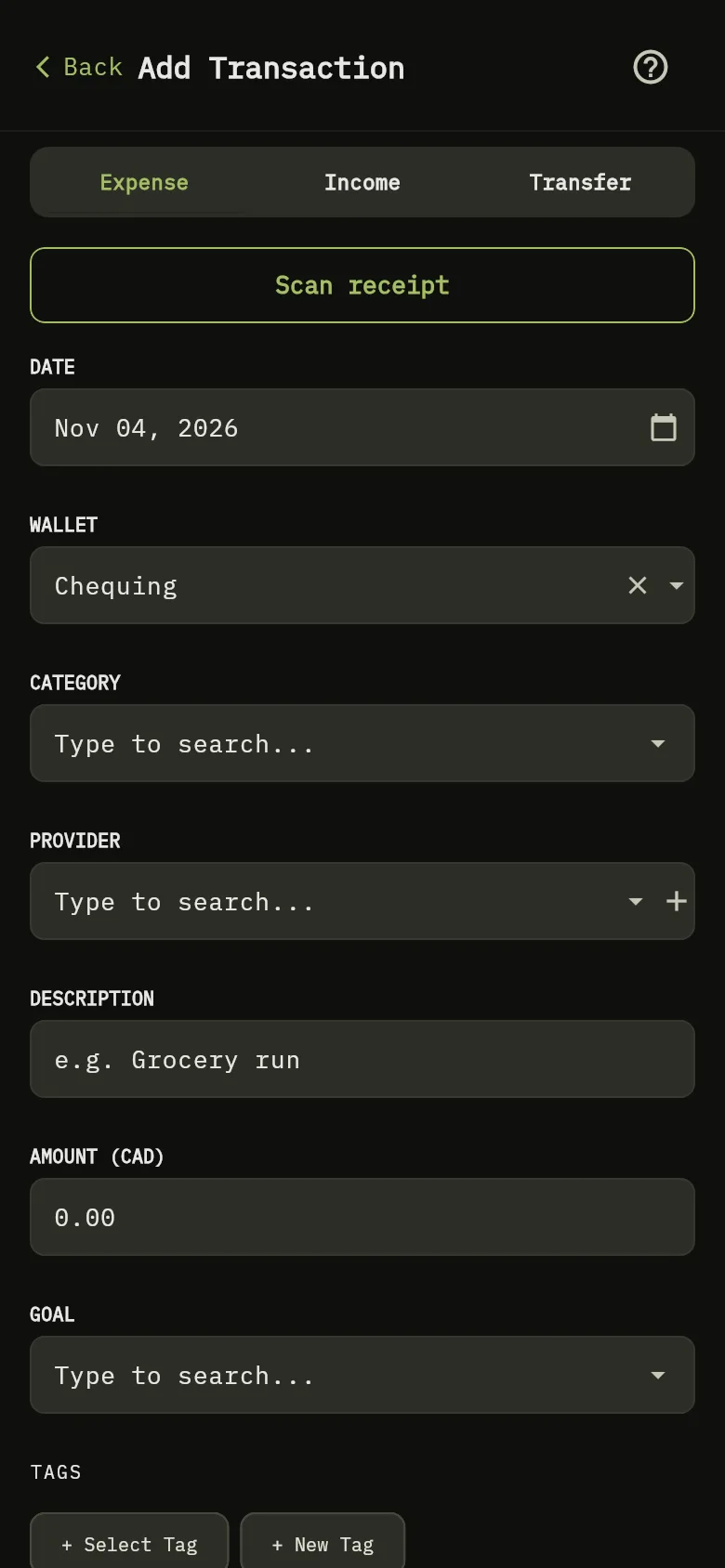
- Tap + Transaction, then tap Transfer Marker 1.
- Choose the Source Wallet and the Destination Wallet in different currencies. The form adds the FX Rate, the transaction cost and the target amount.
- Type the amount Marker 3, in the currency of the source wallet.
- Check the FX Rate, which starts at the latest rate the app has. Change it if your provider’s rate was different, and type the cost.
- Tap Save.
How the amount received is worked out
The wallet you send to receives the amount, converted at the exchange rate, minus the cost of the exchange:
For example, sending 100 at a rate of 0.73 with a cost of 1.50 gives 100 × 0.73 − 1.50 = 71.50 in the destination wallet. The cost is in the currency of the destination wallet.
When there is no exchange rate
When the app has no rate for the two currencies, the rate starts at 1, so the amount is counted as it is, without converting it. Change the rate before you save if you know the real one.
What you see
The transaction is saved with its rate and its cost. On the web, the transaction in the list shows the Rate, the Exchange Cost and the Exchange Provider.
Related
Wallet currencies and balances explains how wallets in different currencies are added together.