
Transfer money between wallets
Move money from one wallet to another without recording it as an expense or as income.
A transfer moves money from one wallet to another. The balance of the source wallet goes down and the balance of the destination wallet goes up.
Before you start
You need two different wallets. The form doesn’t accept the same wallet twice.
Steps
Web
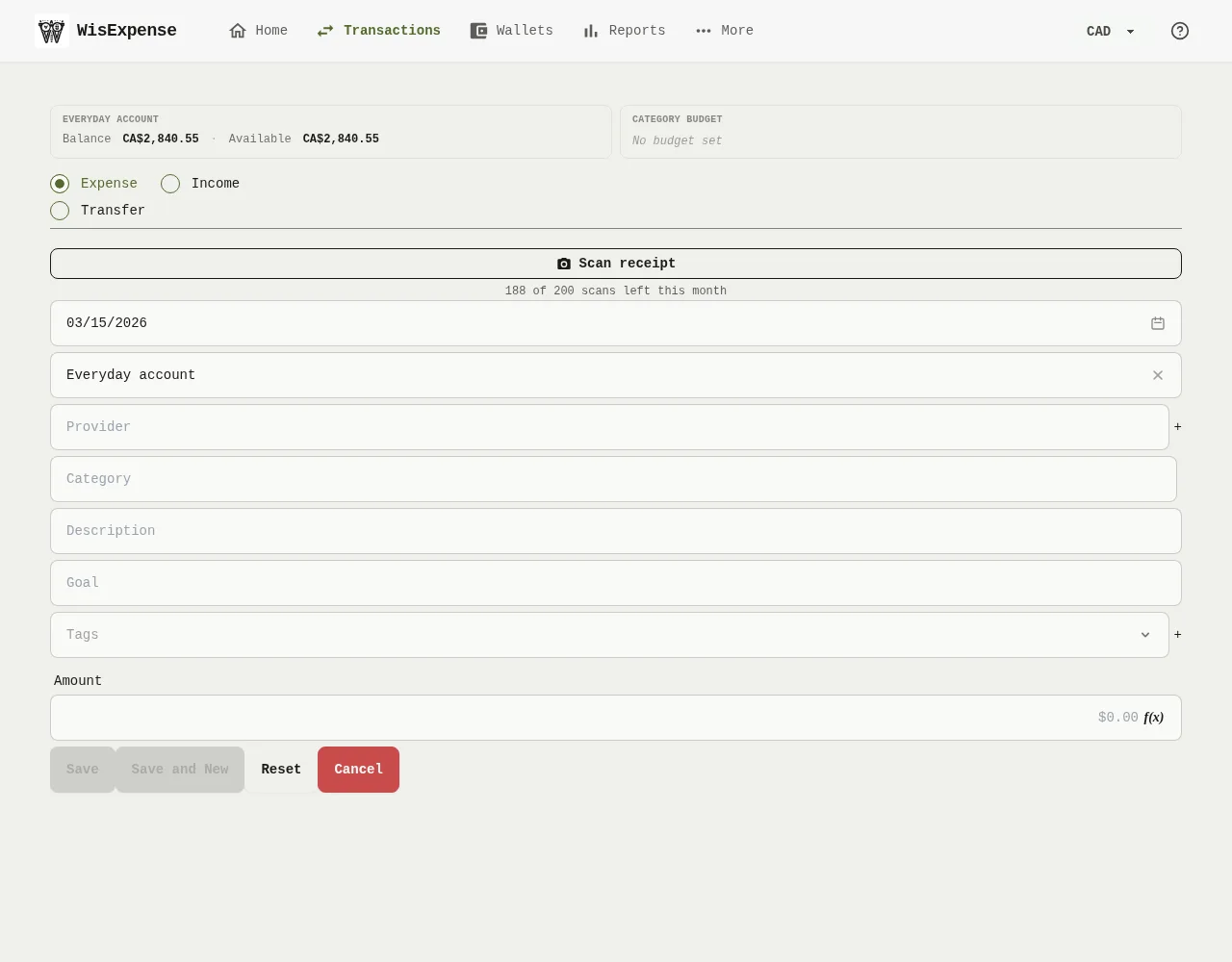

- Select + Transaction on the home screen or on a wallet.
- Select Transfer Marker 1. The form now asks for two wallets and no category.
- Choose the Source Wallet, where the money leaves.
- Choose the Wallet Marker 2, where the money arrives.
- If you like, add a Description.
- Type the Amount Marker 3.
- Select Save Marker 4.
Mobile
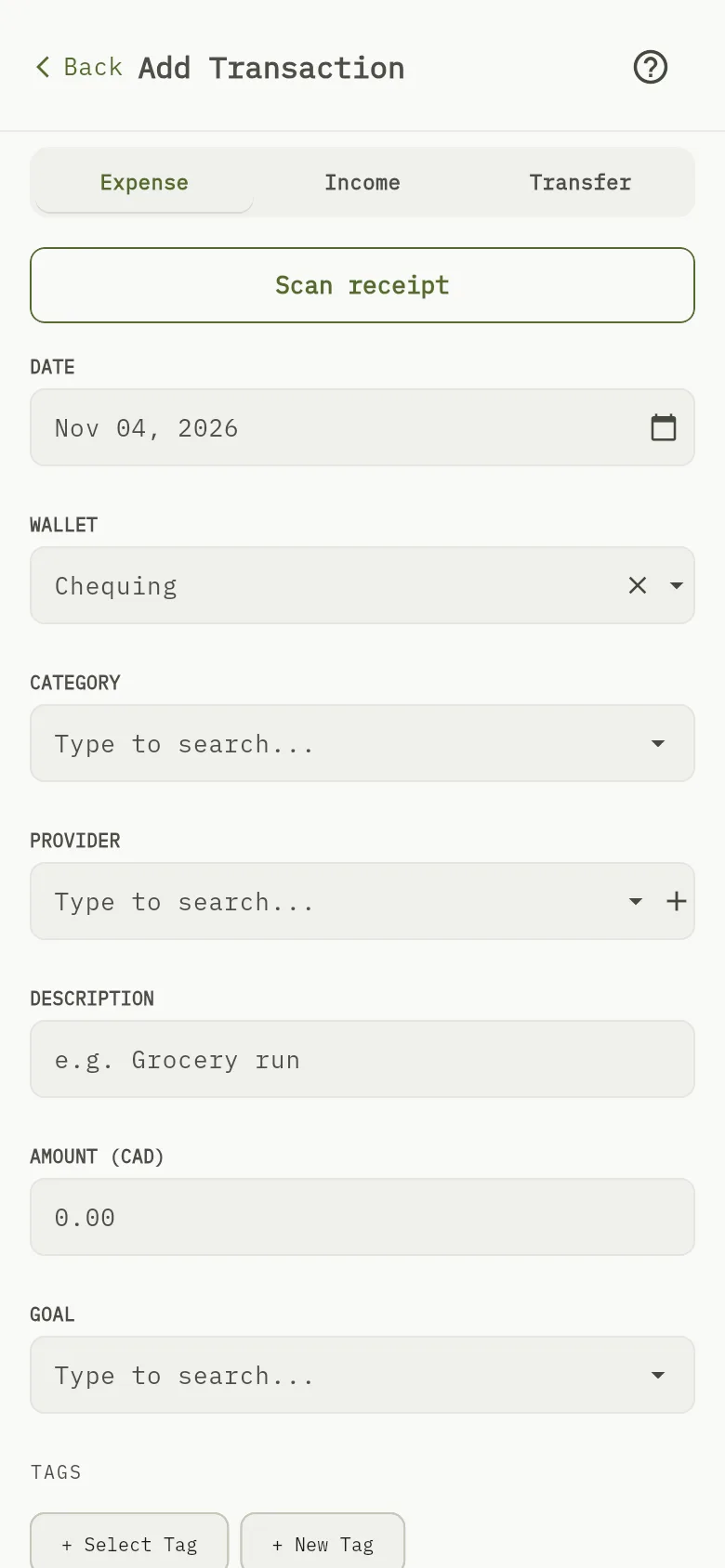
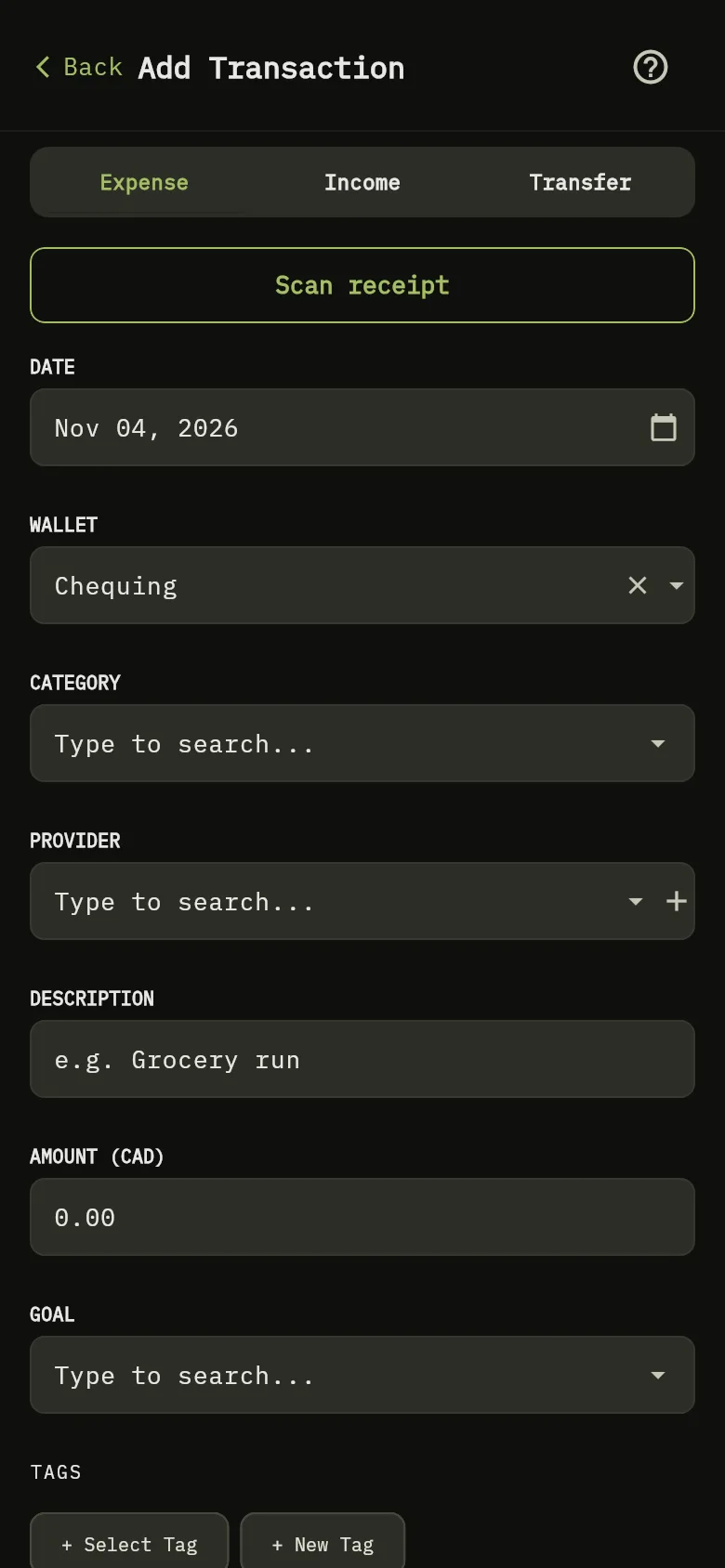
- Tap + Transaction on the home screen or on a wallet.
- Tap Transfer Marker 1.
- Choose the Source Wallet, where the money leaves, and the Destination Wallet, where it arrives.
- Type the amount Marker 3.
- Tap Save.
Transfer into a credit card
When the destination is a credit card, the form also offers its Next payment date, suggested from the card’s due day. Keep it, change it, or tick Don't update the next payment date to leave the card’s date as it was. See Track credit card payments.
What you see
The transfer appears once in your transactions, between the two wallets. Both balances change by the amount.
Related
When the two wallets use different currencies, see Transfer between currencies.