
Record income
Write down money you received, such as a salary or a refund.
Income raises the balance of the wallet it goes into, and shows in your reports next to what you spent.
Before you start
You need a wallet to receive the money.
Steps
Web
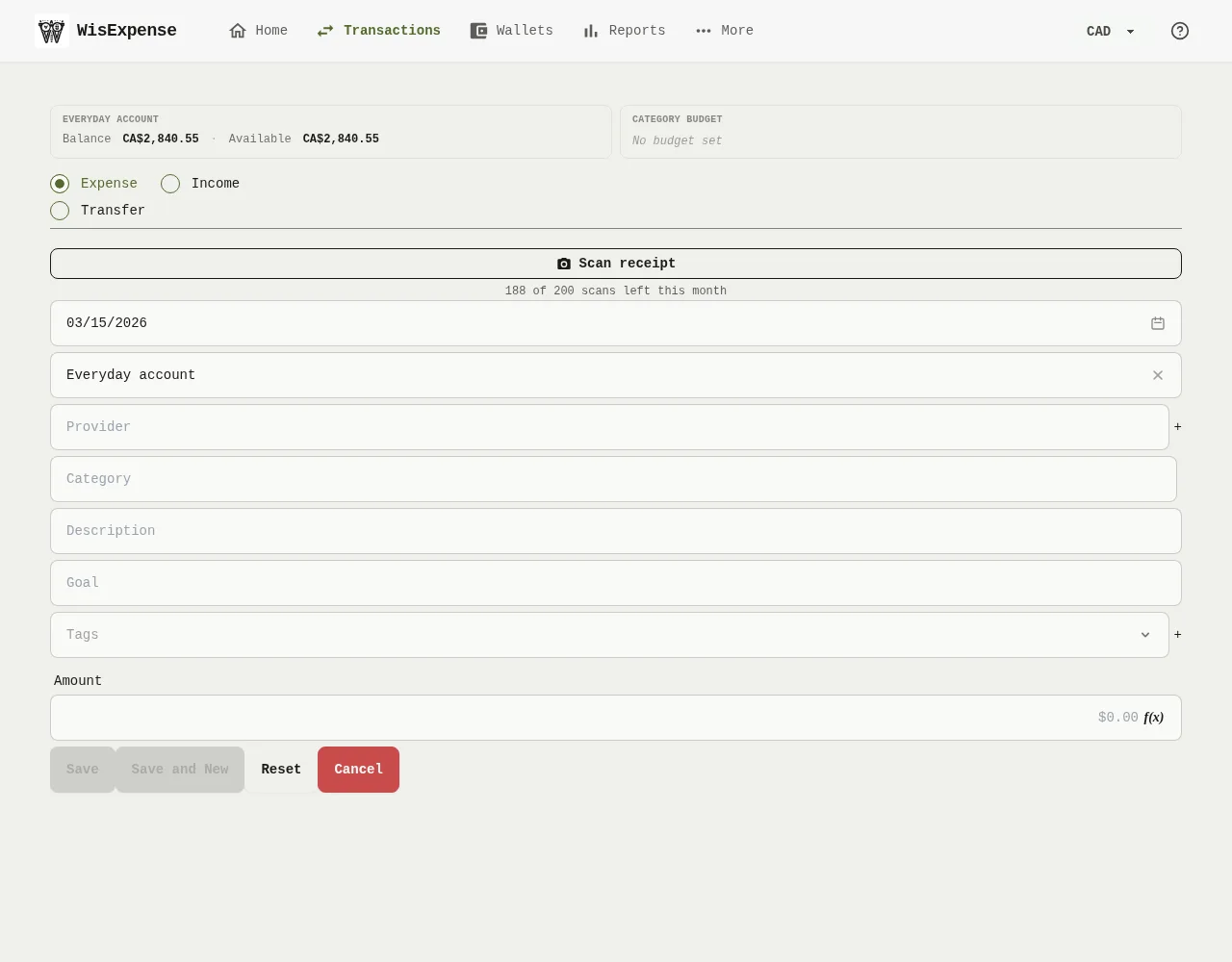
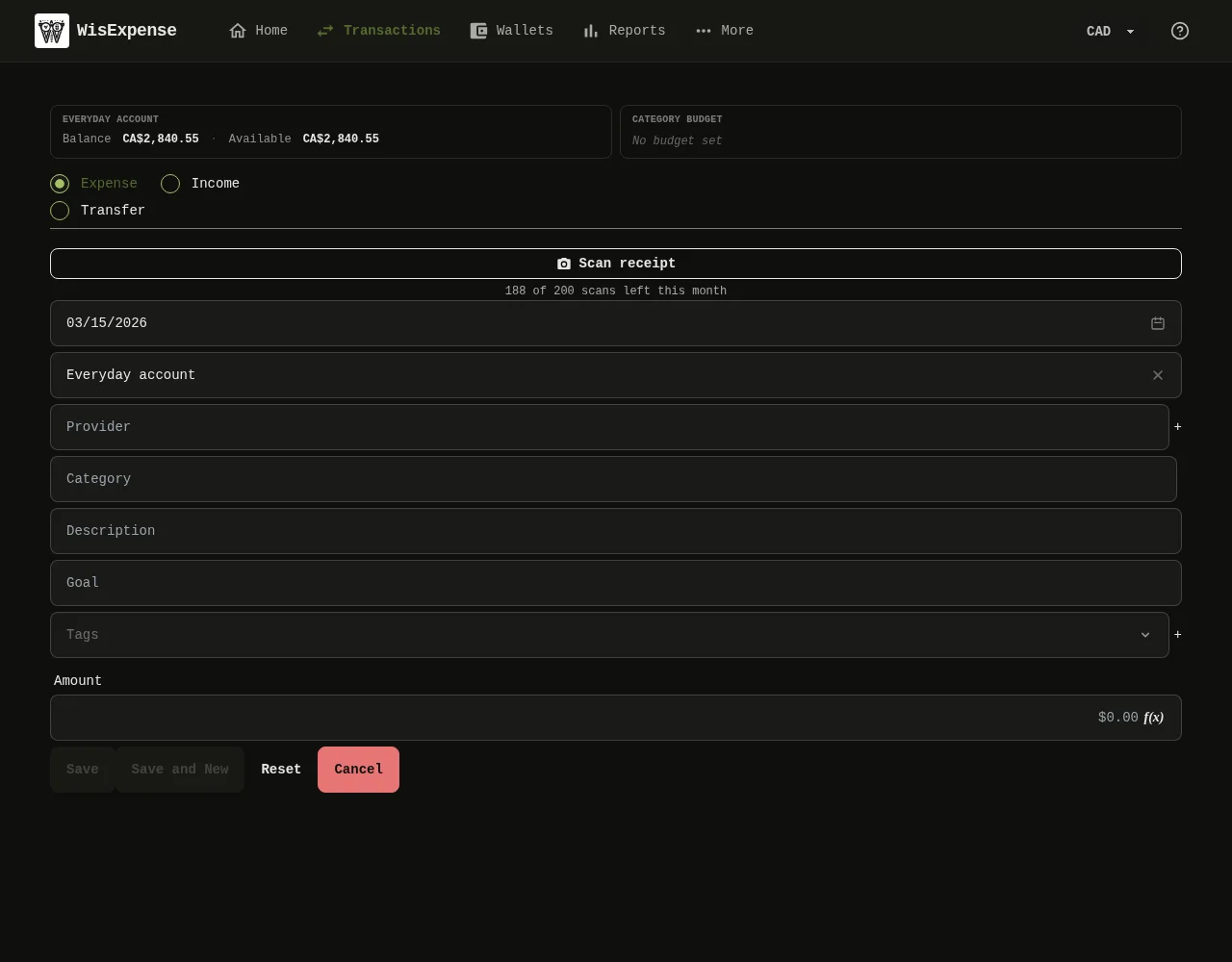
- Select + Transaction on the home screen or on a wallet.
- Select Income Marker 1.
- Choose the Wallet Marker 2 the money goes into.
- Choose a Category Marker 3. If you like, also choose a Provider Marker 4, such as your employer.
- Type the Amount Marker 5.
- Select Save Marker 6.
Mobile
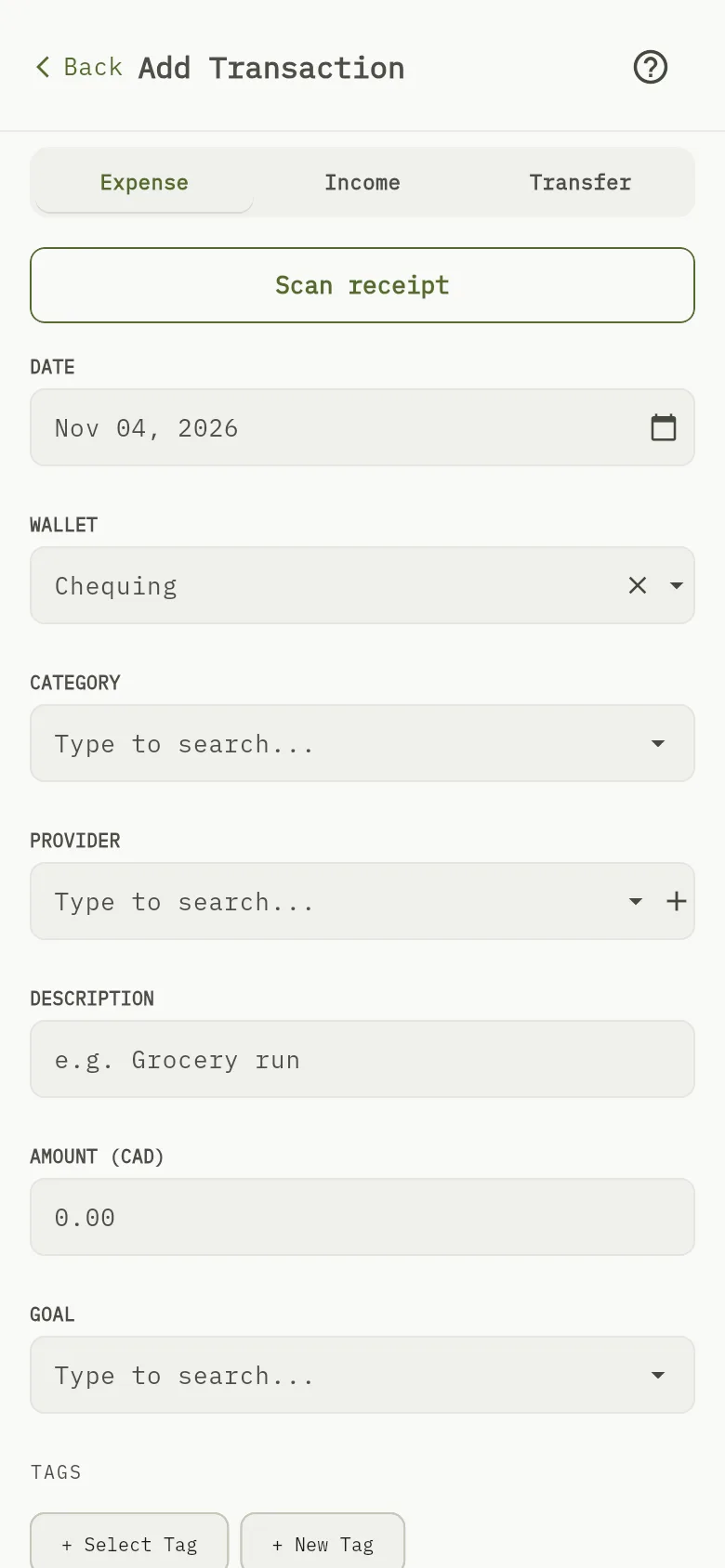
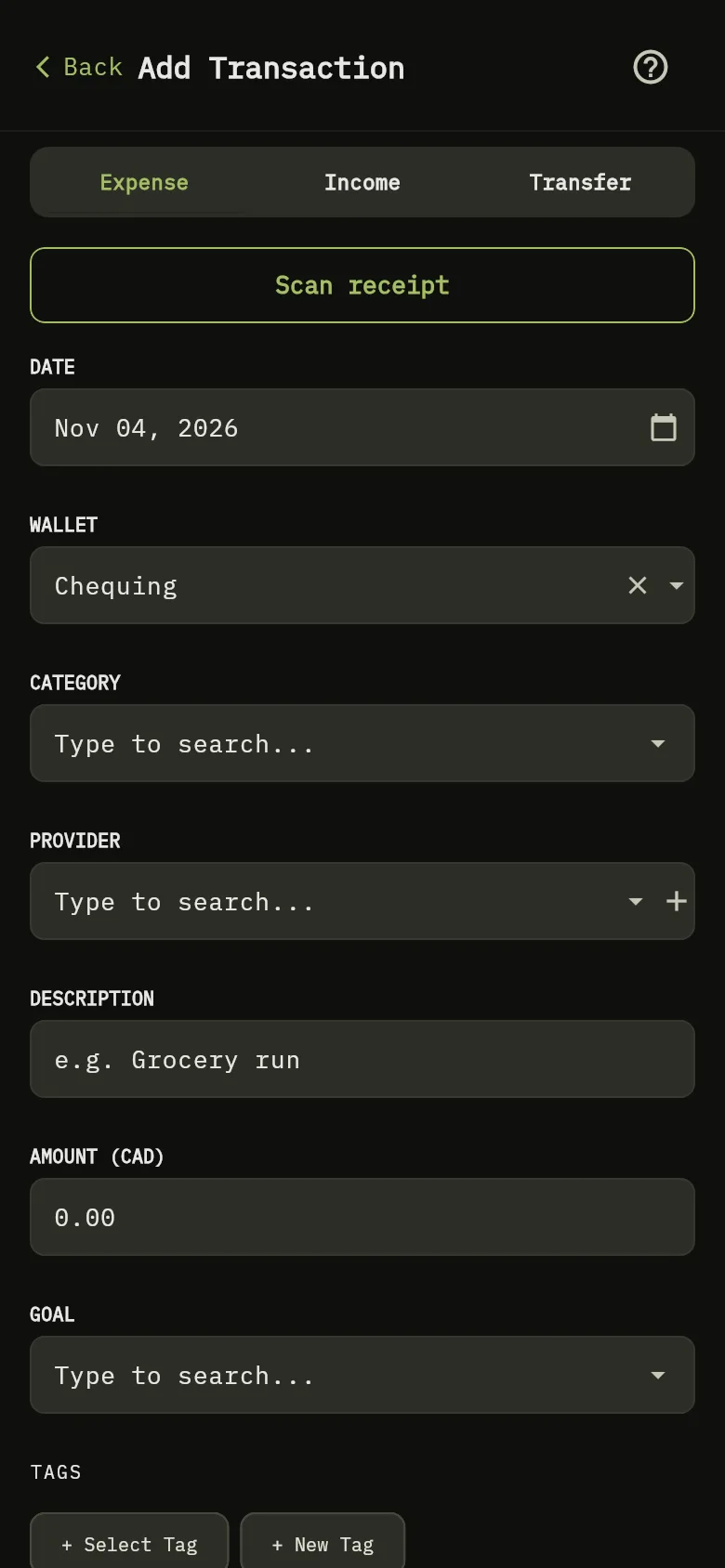
- Tap + Transaction on the home screen or on a wallet.
- Tap Income Marker 1.
- Check the Date Marker 7, then choose the WALLET and the Category.
- Type the amount Marker 5.
- Tap Save.
What you see
The income appears in your transactions, and the wallet’s balance goes up by the amount.