
Change your plan
Switch plan or billing period, keep your current plan when a switch is waiting, or cancel your subscription.
Move between the paid plans, switch between monthly and annual billing, or cancel, in the web or the mobile app. WisExpense always tells you what will happen, and charges nothing until you confirm.
Before you start
You need a Standard, Premium or Collaboration subscription. If you are on the free plan, see Upgrade your plan.
Steps
Web
- Select More, then Subscription.
- The screen shows your plan, its price and its renewal date. “Renews” and a date mean it renews then. “Expires” and a date mean it was canceled and ends then.
- To change plan, select “Upgrade to” or “Downgrade to” followed by the plan you want.
- A window titled Confirm your plan change says what will happen. If a payment is due, it names the plan and the amount you will be charged now. If not, it gives the date the plan changes and says that nothing is charged today.
- Select Confirm, or Cancel to change nothing.
- To change how often you pay, select Switch to annual billing or Switch to monthly billing. The new billing period and its price start with your next charge. Until then you keep the period you have paid for.
- While a change is waiting, the screen reads “Switching to” the new plan, with the date. To stay on your current plan, select Keep my current plan.
Mobile
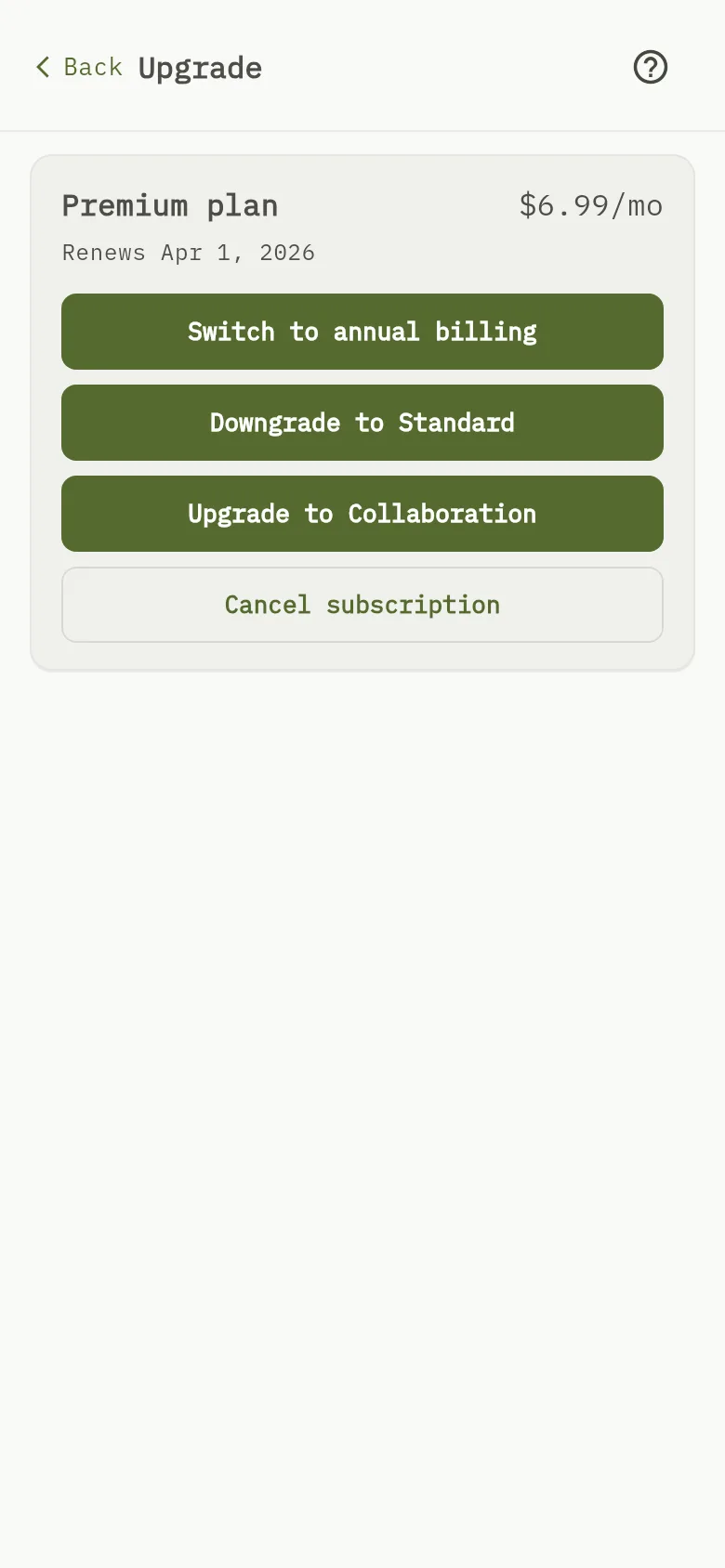
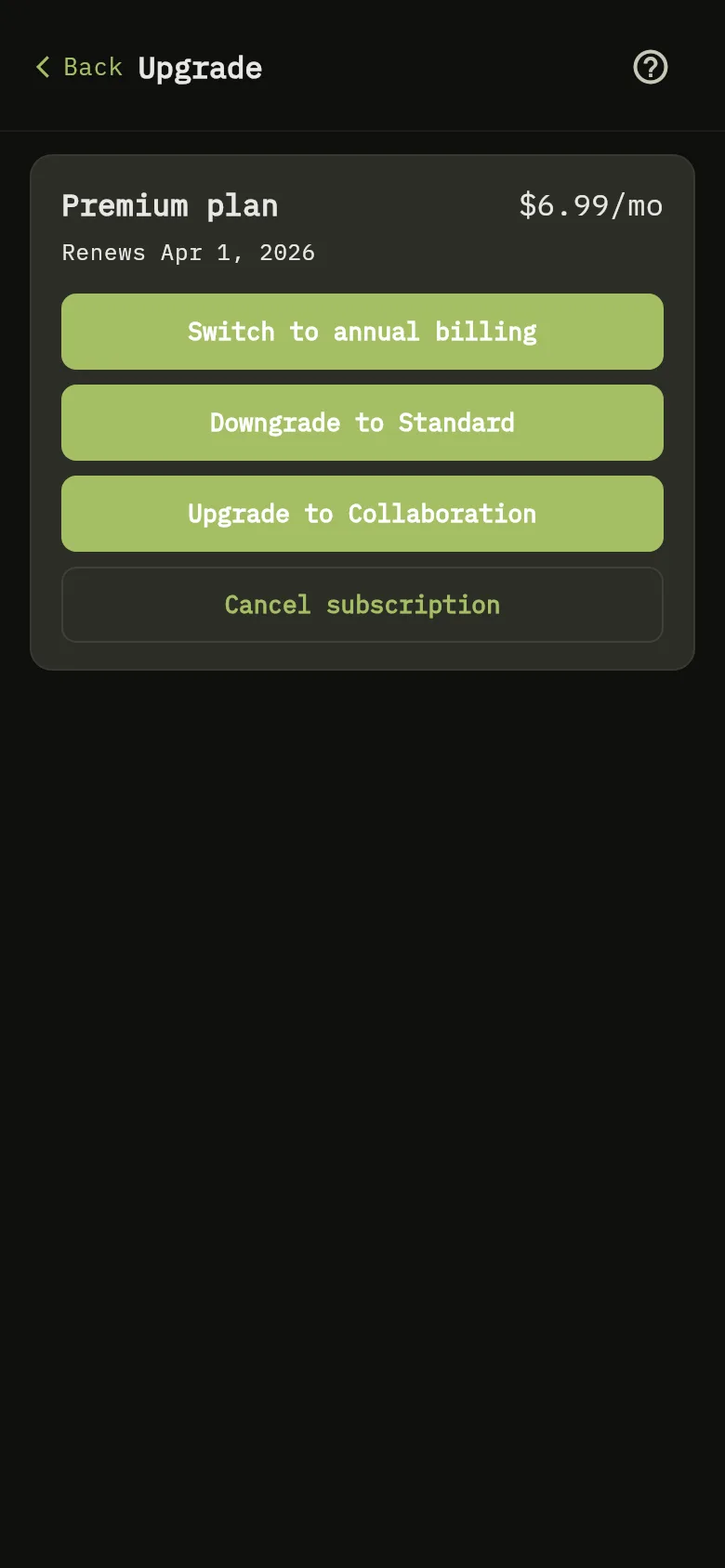
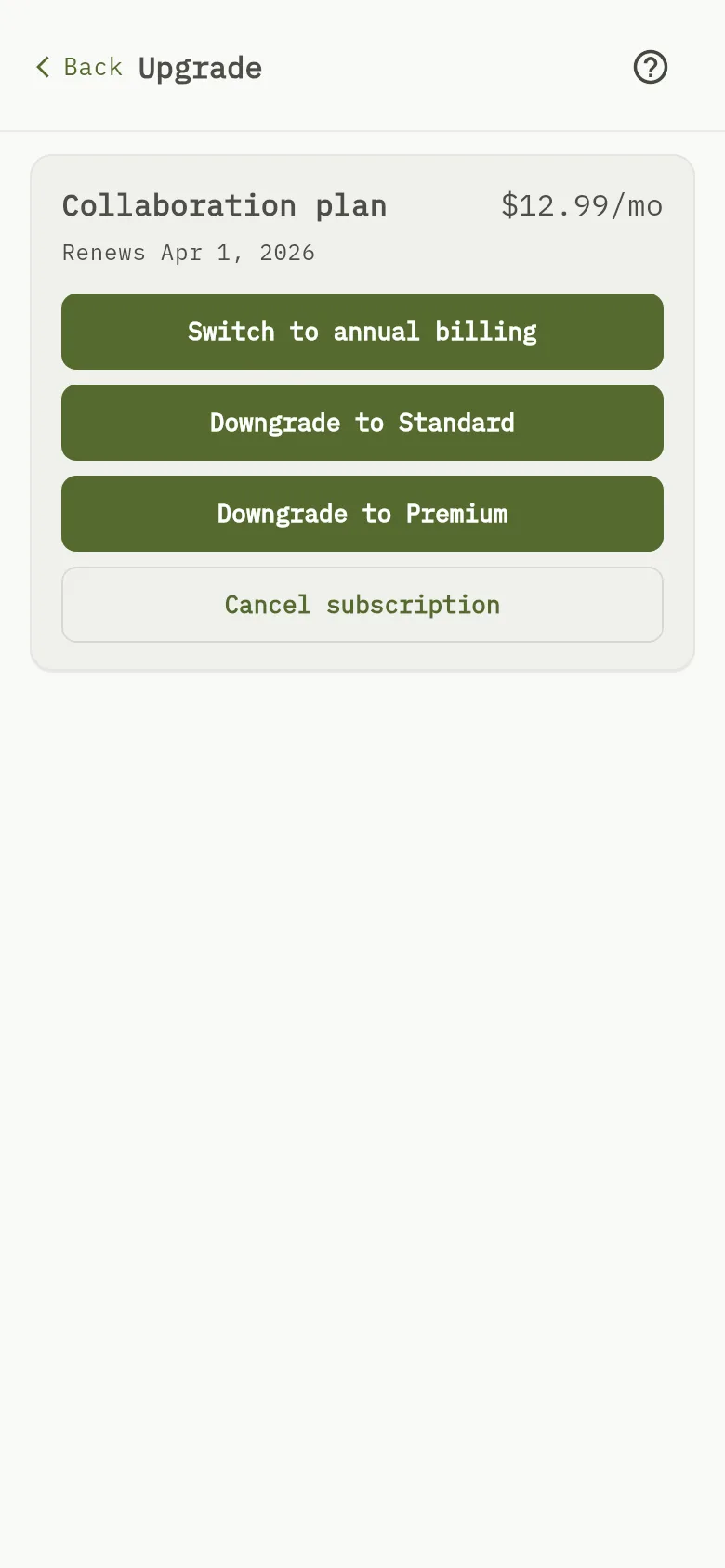
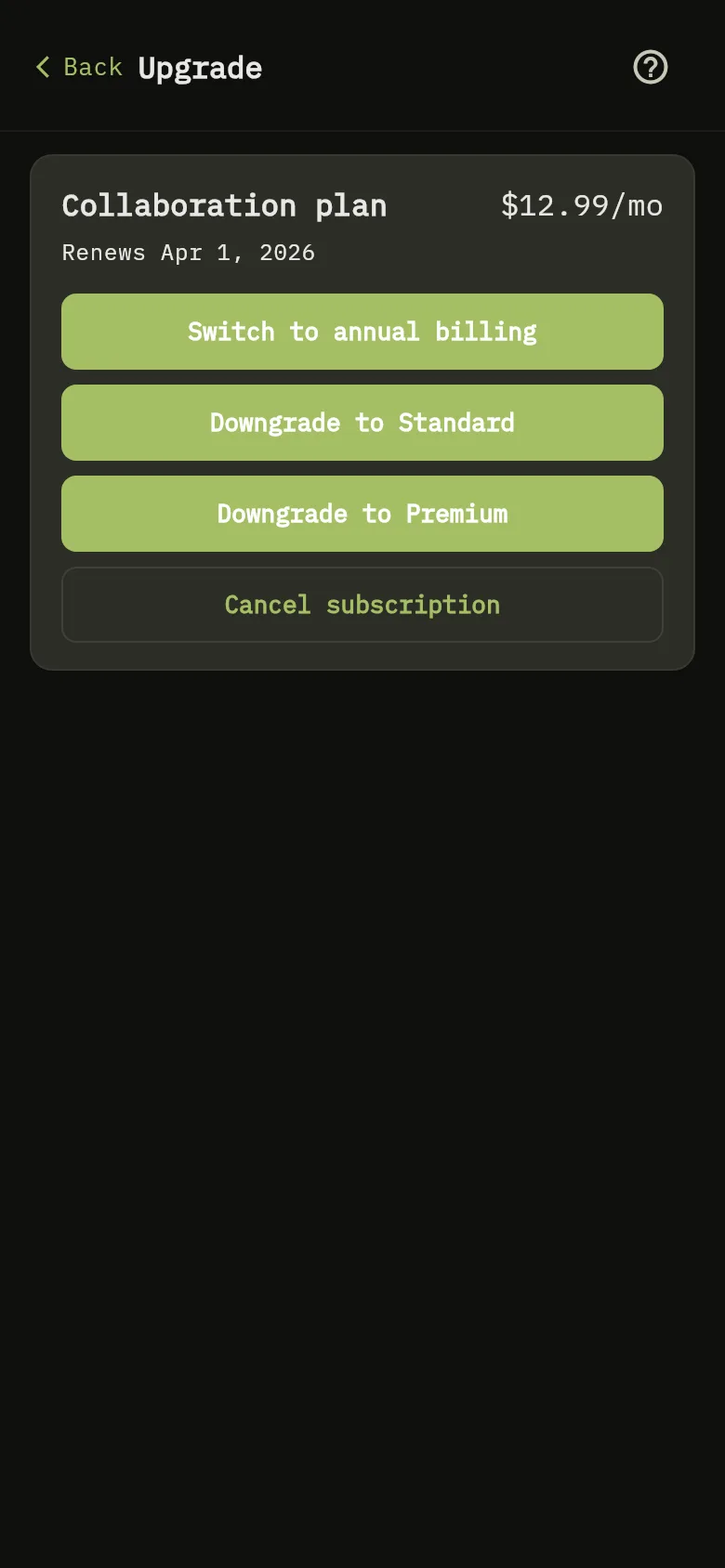
- Tap More, then Subscription.
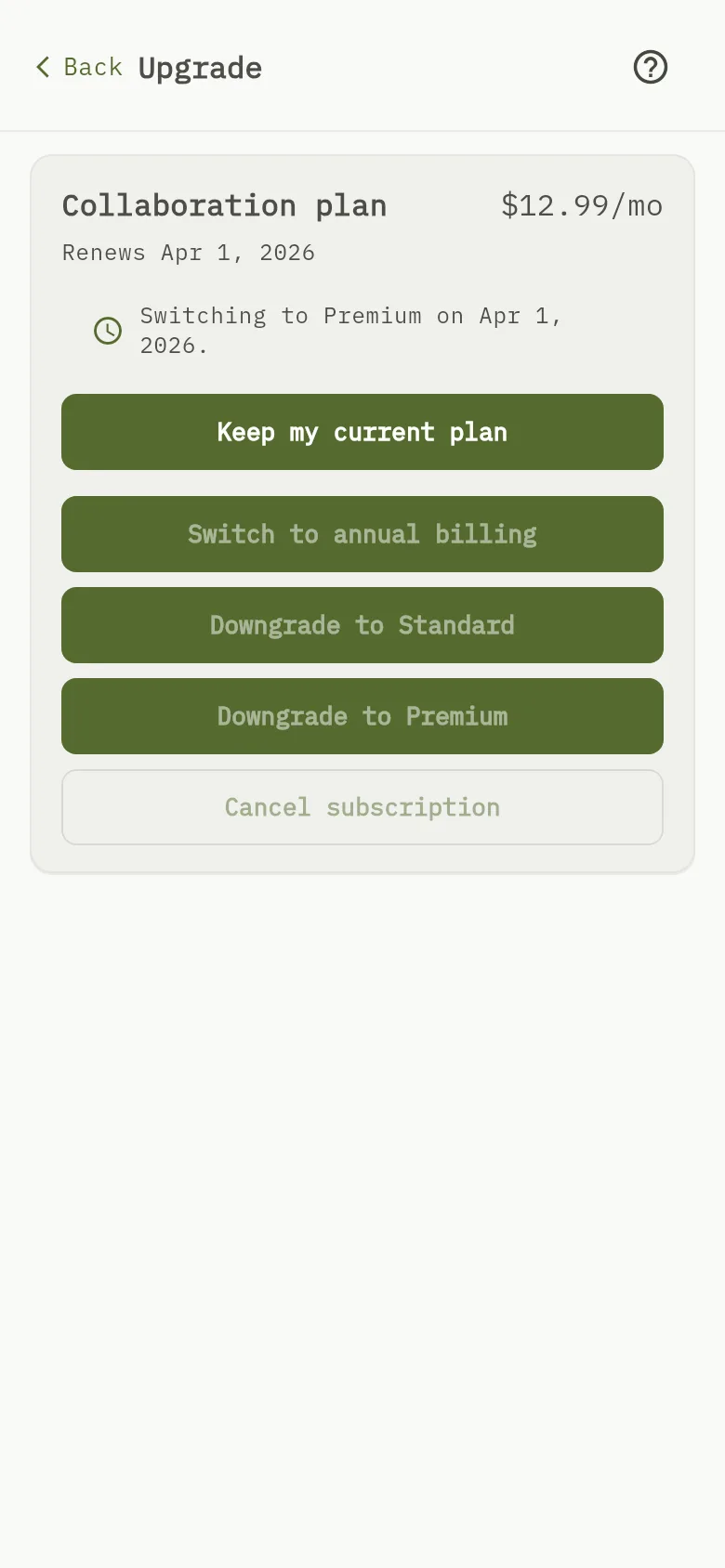
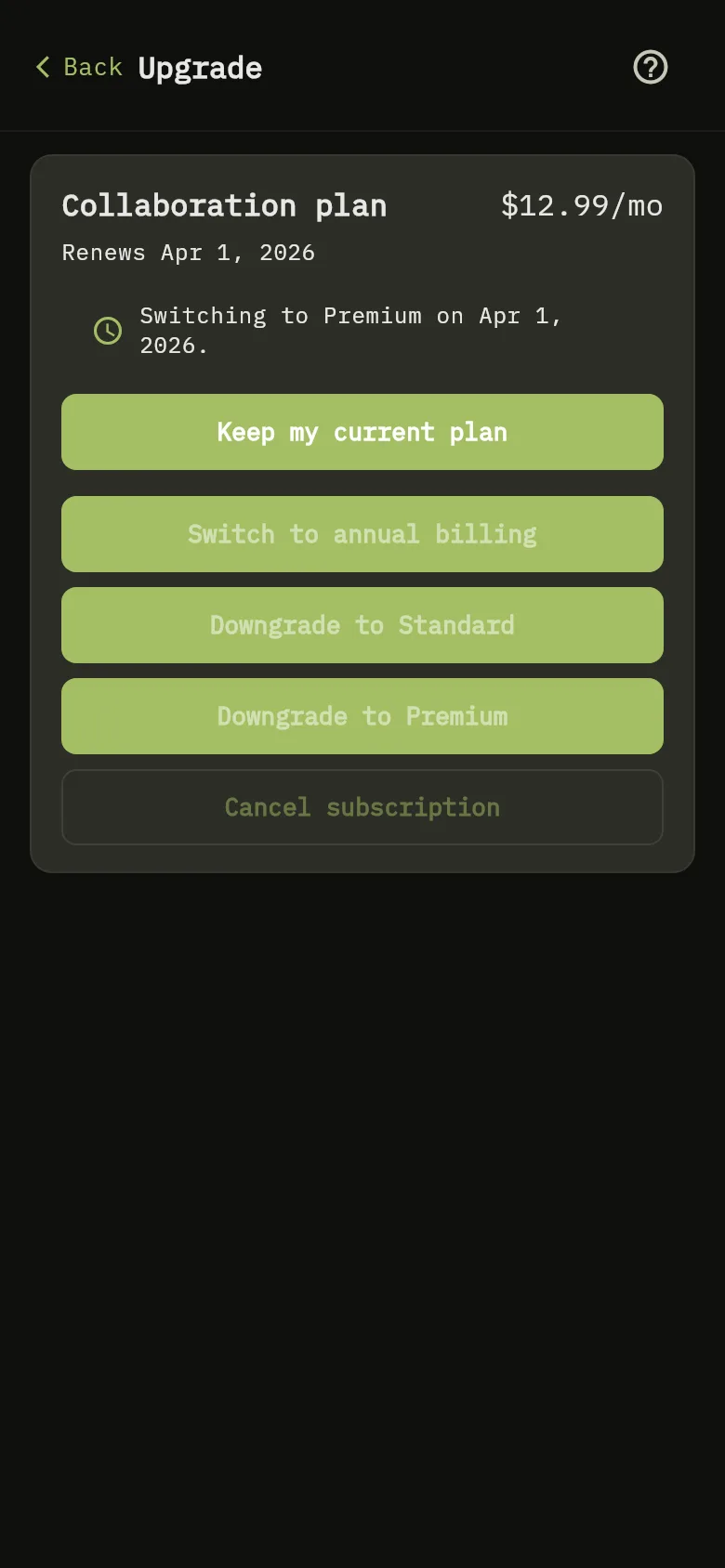
- The Upgrade screen shows your plan, its price and its renewal date Marker 1.
- Tap the button for the plan you want: “Upgrade to” a higher plan, or “Downgrade to” a lower one, followed by the plan Marker 2 Marker 3.
- A window titled Confirm your plan change says what will happen. If a payment is due, it names the plan and the amount you will be charged now. If not, it says you move at the end of your current billing period and nothing is charged today.
- Tap Confirm, or Cancel to change nothing.
- To change how often you pay, tap Switch to annual billing or Switch to monthly billing. The price shown is for the period you pay now. The new billing period and its price start with your next charge. Until then you keep the period you have paid for.
- After an upgrade, a banner reads Payment received — waiting for confirmation from WisExpense… until the new plan is active. After a downgrade, a message reads “Your plan will change on” and the date your period ends.
- Until that date, the plan card reads “Switching to” the new plan and the date Marker 4, and the switch buttons are dimmed.
- To stay on your current plan, tap Keep my current plan Marker 5. A message reads Plan change canceled — staying on your current plan.
Cancel your subscription
To delete your account instead, which also ends the subscription, see Delete your account. You don’t need to give a reason. Your plan stays active until the end of the period you have already paid for. After that, your account becomes free, with the free limits: 2 wallets that you create and 10 actions every 24 hours.
Web
- Select More, then Subscription, then Cancel subscription.
- The window Cancel your subscription? repeats what happens. Select Cancel subscription to confirm, or Not now to keep your plan.
Mobile
- Tap More, then Subscription, then Cancel subscription.
- The window Cancel your subscription? repeats what happens. Tap Yes, cancel to confirm, or Keep my plan to keep your plan.
Warning
If you have created more than 2 wallets when your plan ends, none is deleted. The first 2 you created stay as they are. The others become read-only: you can look at them, but you can’t add transactions, rename them or share them with someone new until you subscribe again. See Edit a wallet.
Tip
Restoring your data from a backup needs the Standard plan or higher, so it stops being available when your plan ends. Downloading a backup on demand needs Premium or Collaboration: download one first if you want to keep your data. See Back up your data.
What you see
An upgrade is active as soon as the payment is confirmed. A downgrade, a new billing period or a cancellation takes effect at the end of the period you have paid for; until then your plan stays the same.