
Edit a wallet
Change a wallet’s name, description, icon or balance.
Change a wallet’s details when something is wrong or has changed, such as its name or its balance.
Before you start
You need a wallet you can edit. A wallet shared with you may not offer editing, depending on the access its owner gave you.
Steps
Web
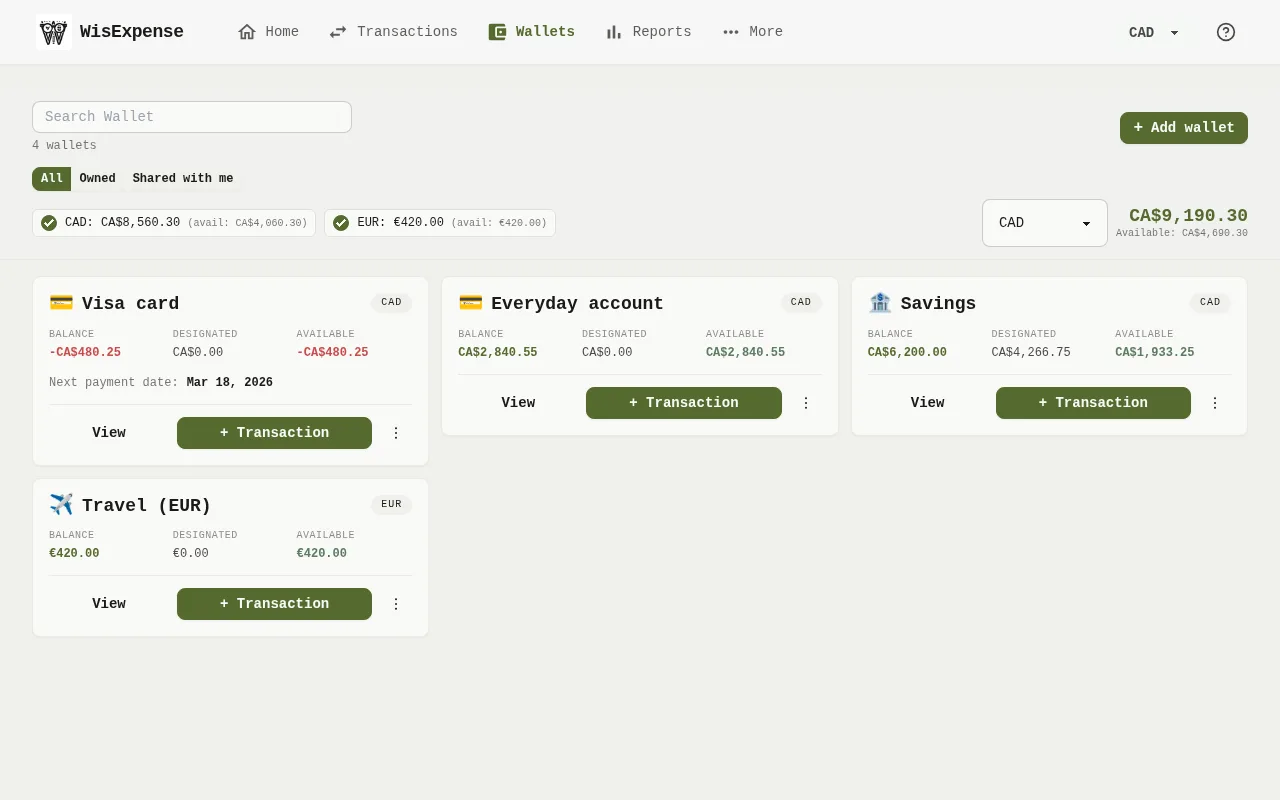
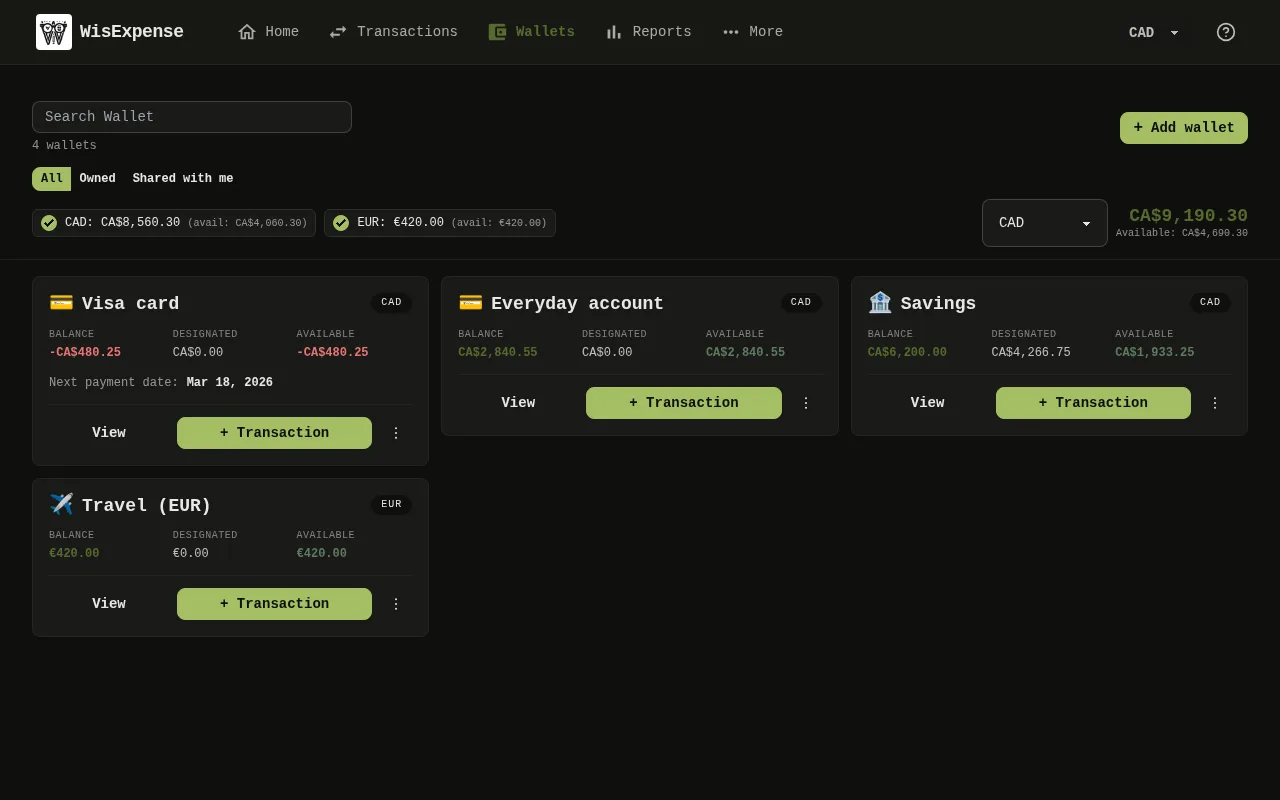
- On Wallets, find the wallet Marker 1.
- Open the three-dot menu at the bottom right of its card, and select Edit.
- Change the Wallet Name, the Description, the Icon or the Balance. To track a credit card, tick This wallet is a credit card and fill in the Payment due day and Next payment date.
- Select Save.
Mobile
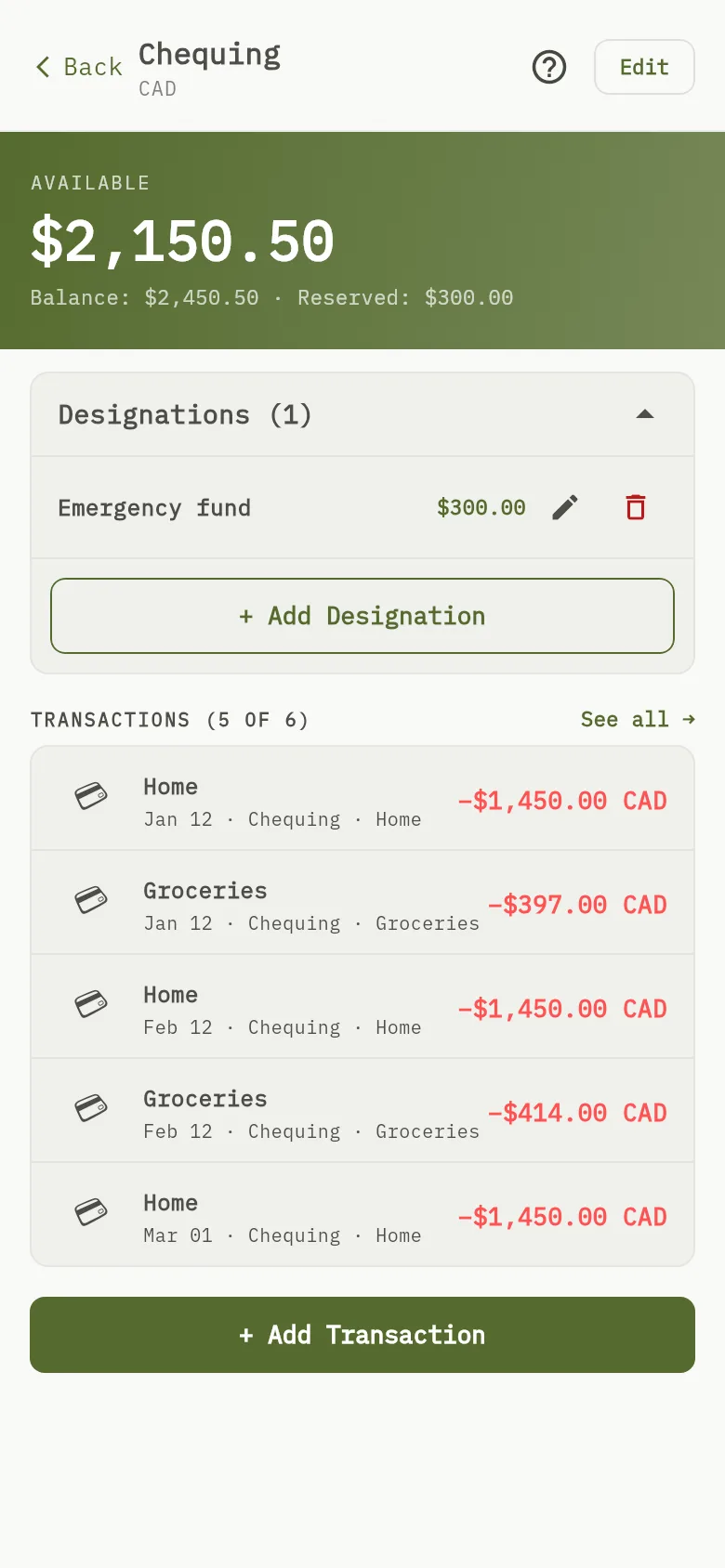
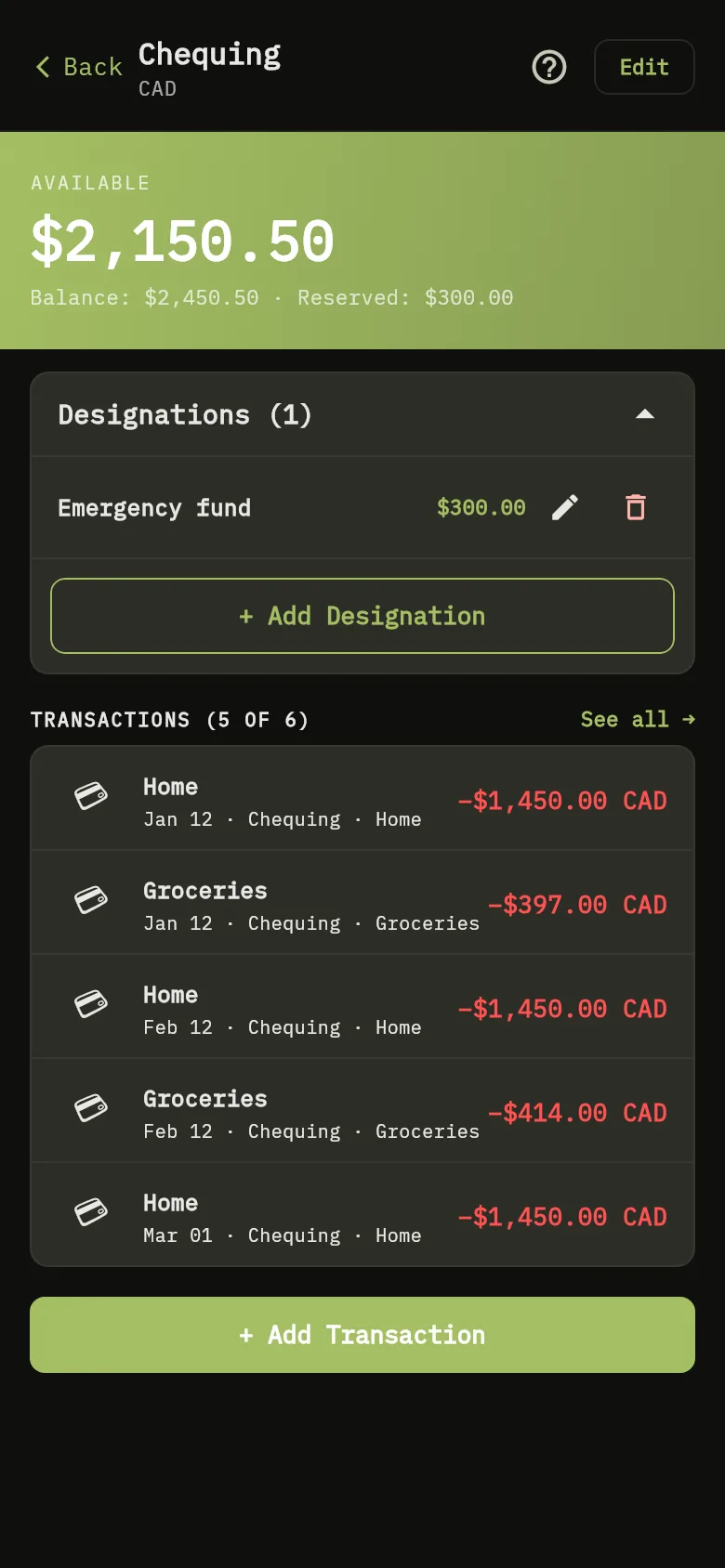
- Tap Wallets, then tap View on the wallet.
- Tap Edit Marker 2.
- Change the Wallet Name, the Description or the balance. To track a credit card, switch on This wallet is a credit card and fill in the Payment due day and Next payment date.
- Tap Save.
Tip
The apps don’t offer a way to delete a wallet.
Warning
A wallet can be read-only. If you are on the free plan and have more than 2 wallets that you created, the 2 you created first stay as they are, and the others are read-only. The app says This wallet is read-only and explains that your account is on Free. On mobile, the wallet also shows the badge Read-only (Free), and the message says the wallet is beyond your 2-wallet limit. You can still look at it and its transactions, but you can’t add a transaction, rename it or share it with someone new. To make it writable again, subscribe: see Upgrade your plan.
What you see
The wallet shows its new details, and its available amount follows the balance you saved.
Related
Track credit card payments and Wallet currencies and balances.