
Upgrade your plan
Subscribe to Standard, Premium or Collaboration, monthly or annually, and see what to do when you reach a free limit.
Upgrade when you reach a free limit, or when you need receipt scanning, formulas or sharing. Your new features unlock as soon as the payment is confirmed.
Before you start
You need to be signed in and have a way to pay. Compare the plans first in Compare the plans.
Steps
Web
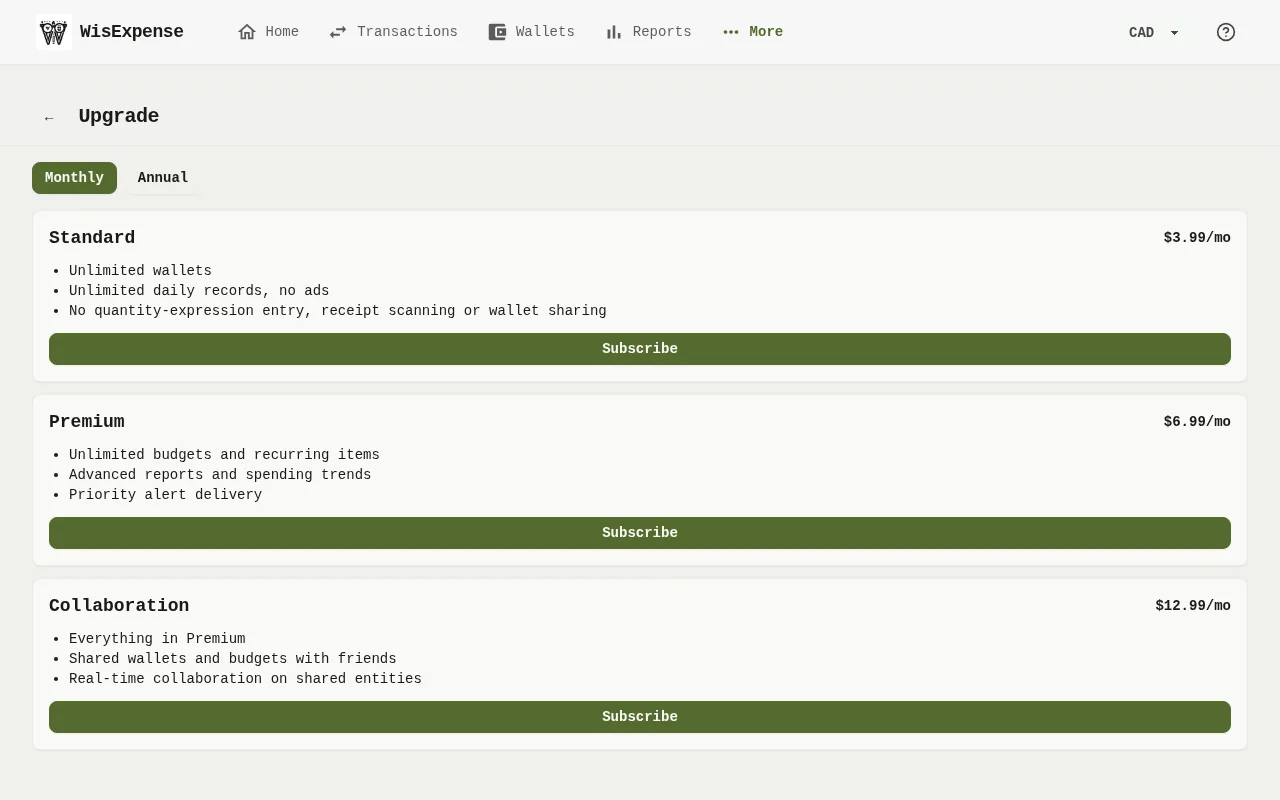
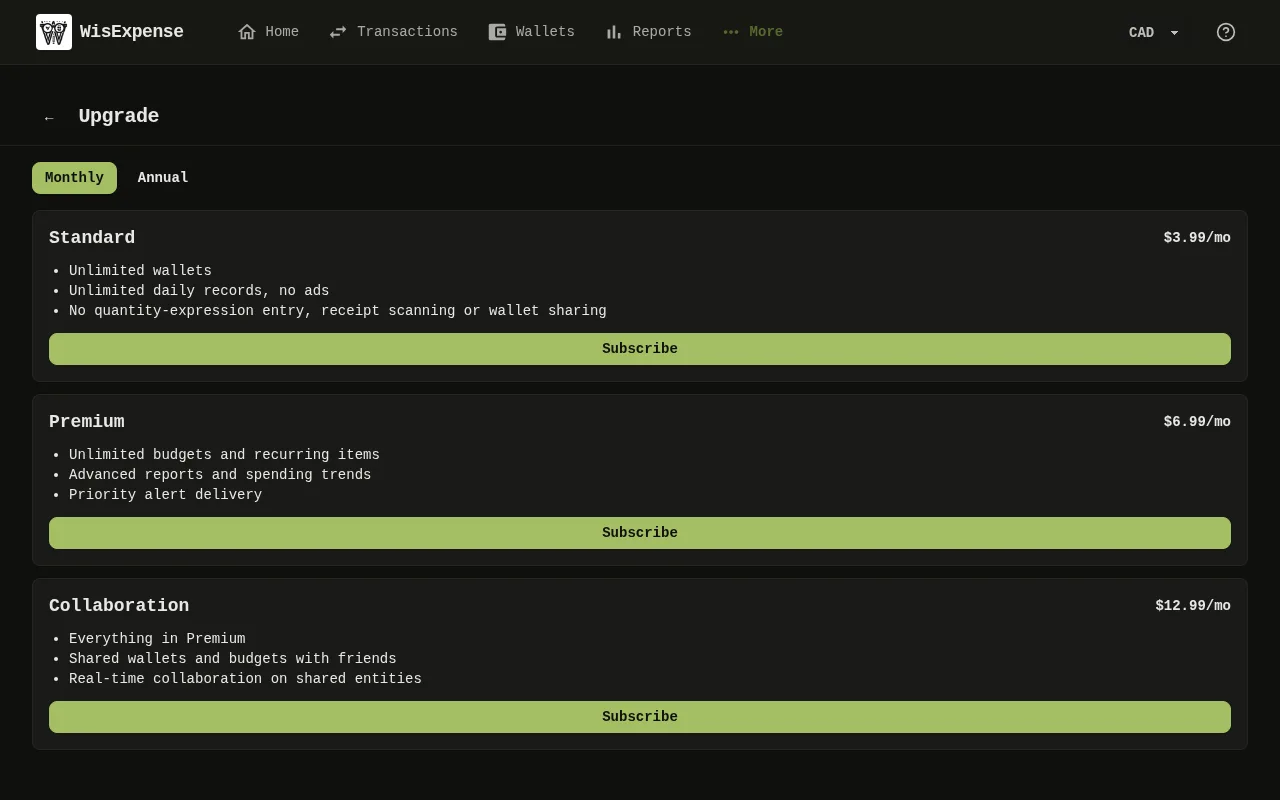
- Select More, then Subscription. You also get here from the Upgrade button in a message about a limit. When you use something your plan doesn’t include, the Upgrade your plan window opens instead, with the same Monthly and Annual choice.
- Choose Monthly or Annual. The prices on the cards follow your choice.
- Select Subscribe on the plan you want.
- The button reads Redirecting… while the payment page opens. Pay there.
- You return to WisExpense. Payment received means the payment is being confirmed. You're all set means your plan is active.
Tip
If you close the payment page instead, Checkout canceled tells you that you weren’t charged.
Mobile
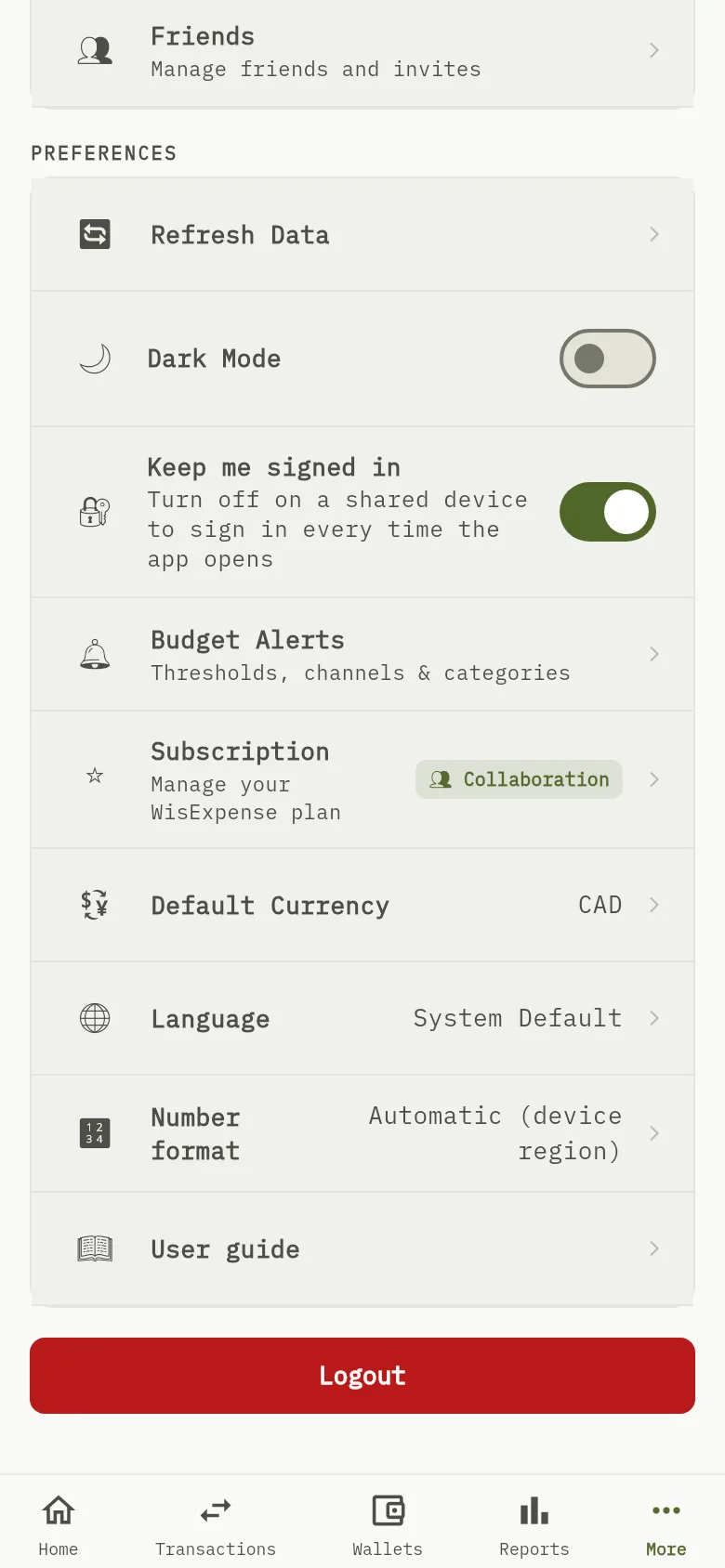
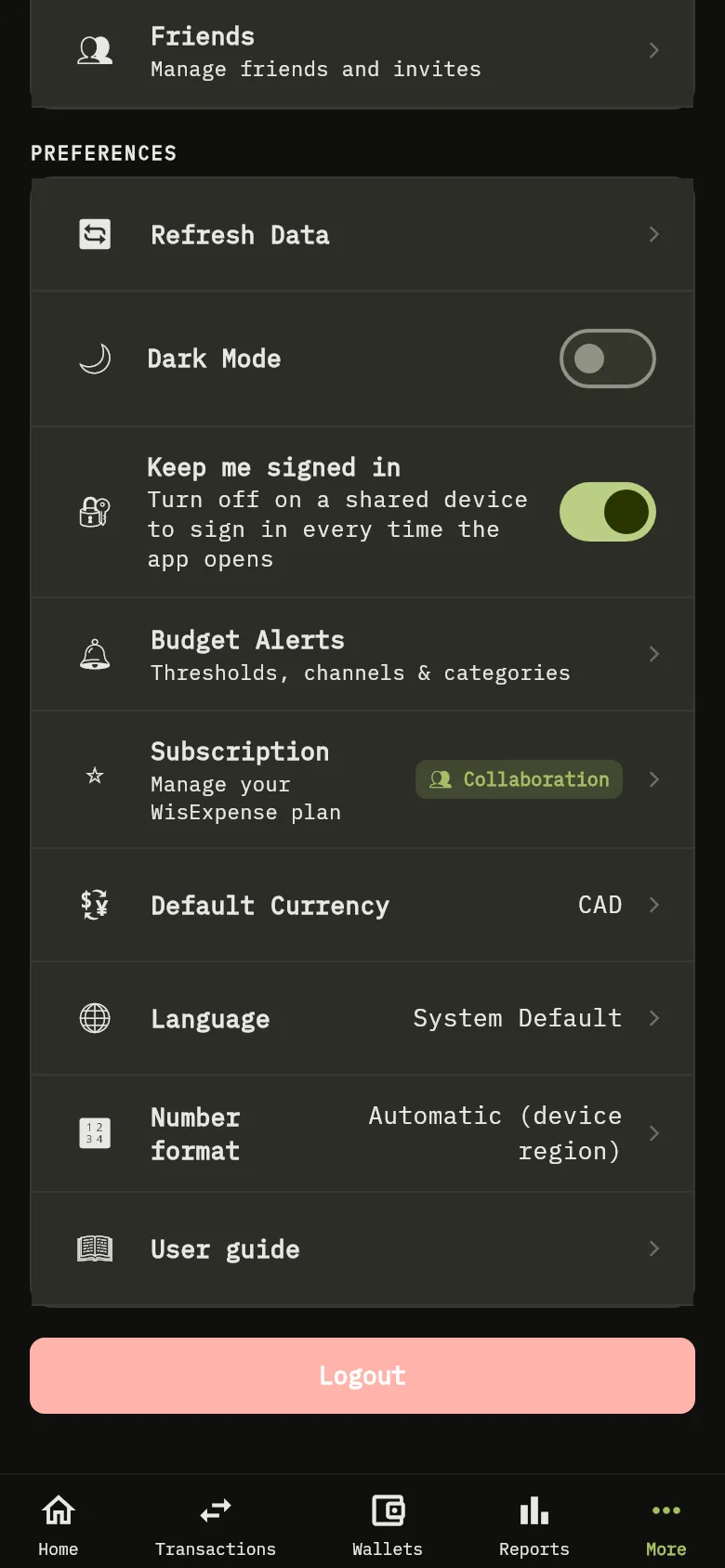
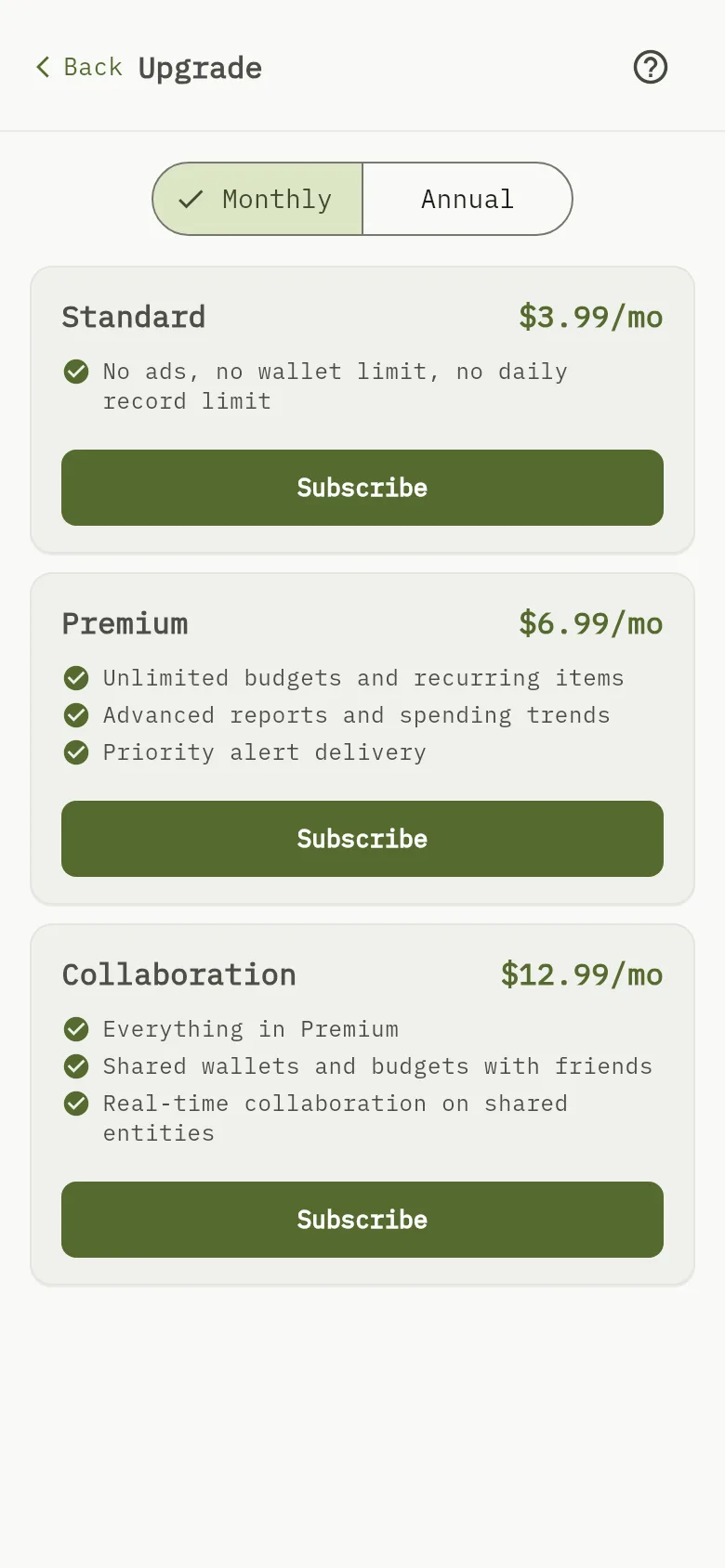
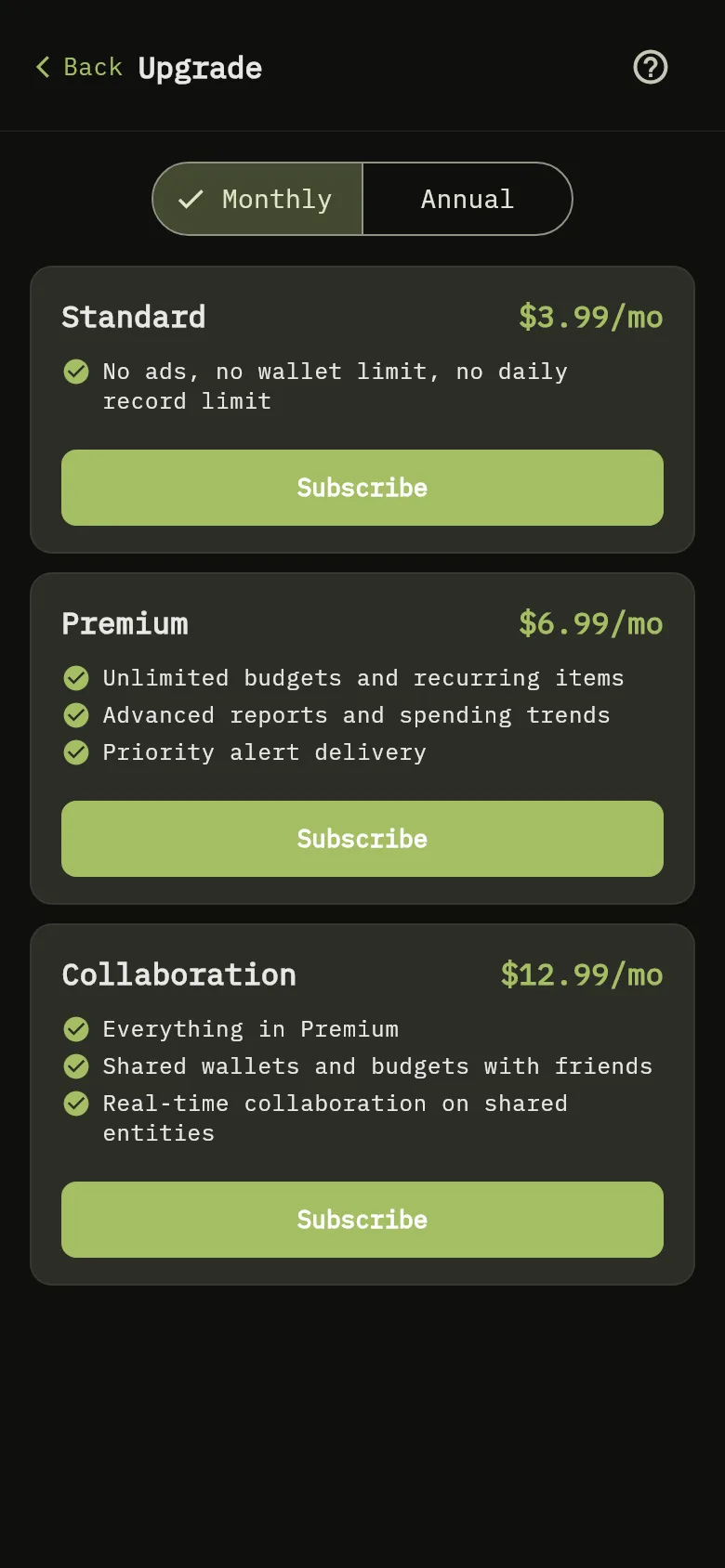
- Tap More, then Subscription Marker 1.
- Choose Monthly or Annual. The prices on the cards follow your choice.
- Find the card of the plan you want: Standard Marker 2, Premium Marker 3 or Collaboration Marker 4. Tap Subscribe.
- Confirm the payment in the payment sheet.
- A banner reads Payment received — waiting for confirmation from WisExpense… until your plan is active.
When you reach a free limit
The free plan allows up to 2 wallets that you create, and up to 10 actions every 24 hours. Wallets that someone shares with you don’t count toward the 2. When you reach a limit, the app tells you which one and offers a way to the plans.
- Wallet limit: 2-wallet limit reached says that free accounts can have up to 2 wallets. Choose a plan to add more wallets, or close the message without adding one.
- Daily limit: Daily limit reached says that free accounts are limited to 10 actions every 24 hours. It appears on whichever screen you were using when you reached the limit. Choose a plan for unlimited actions.
- Watching an ad (mobile only): The mobile message also offers Watch an ad for +3. When you watch the ad to the end, you can do 3 more actions. You can do this as many times as you like. If no ad is available, the app says so; try again later, or choose a plan.
Every paid plan removes both limits.
What counts as an action
On the free plan, each of these counts as one action:
- Adding, changing or deleting a transaction or one of its sub-transactions.
- Adding, changing or deleting a wallet, a provider, a tag, a budget period, a recurring item or a savings goal.
- Linking a transaction to a recurring item, or unlinking it. This counts separately from saving the transaction.
These never count, even when you have reached the limit: changing your preferences, your profile or your language, managing friends and sharing, alerts and devices, subscription and billing, and watching an ad for +3.
Paid plans have no daily limit, so nothing counts on them.
Tip
To stop paying, or to change plan or billing period later, see Change your plan.
What you see
Your plan is active and its features are unlocked. They unlock on their own once the payment is confirmed, so you don’t need to do anything else.
Related
Change your plan, Compare the plans, Create your first wallet.