
Stop sharing
Remove a friend’s access to a wallet, or block or remove the friend altogether.
You can take back one friend’s access to a wallet, or end the friendship. Each is a different step with a different result.
Before you start
Removing someone’s access to a wallet works on every plan, even if your Collaboration plan has ended, so you can always take it back. Only the owner of the wallet and its admins can do it.
Remove a friend from a wallet
Web
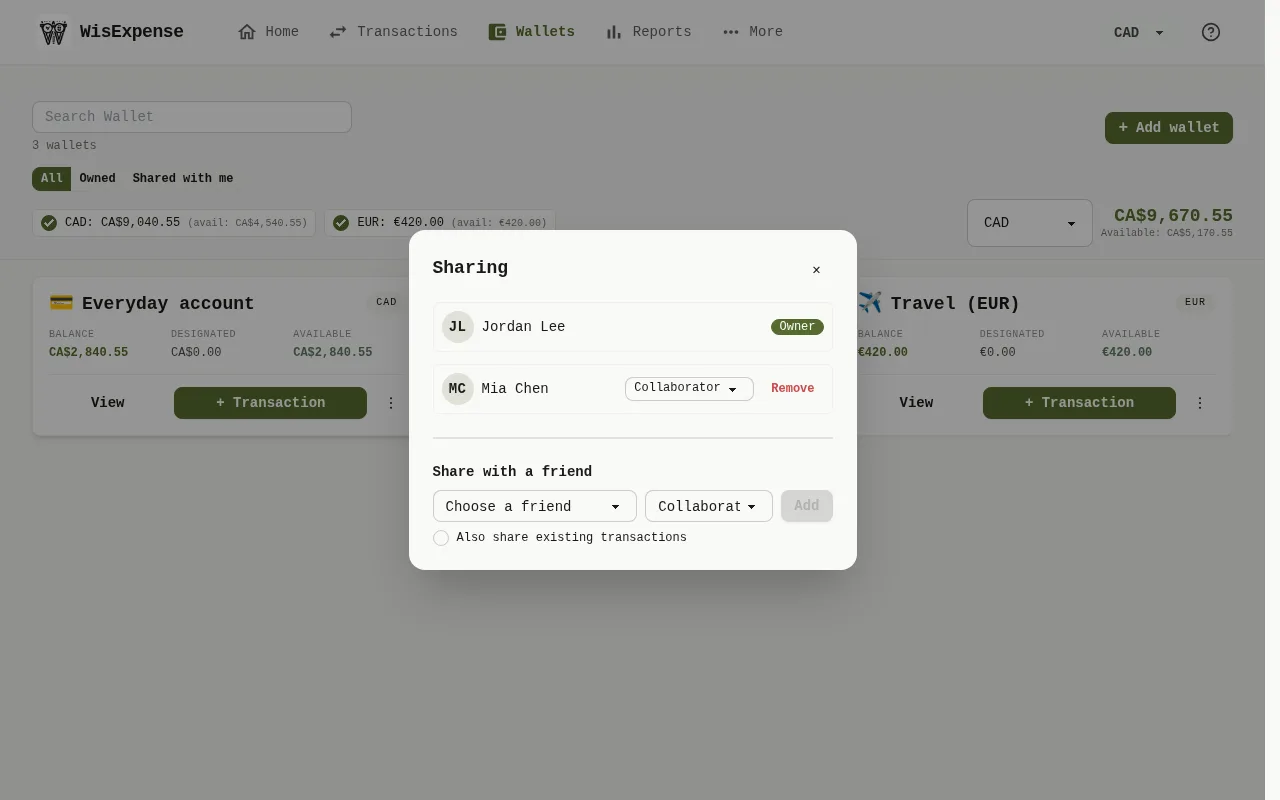
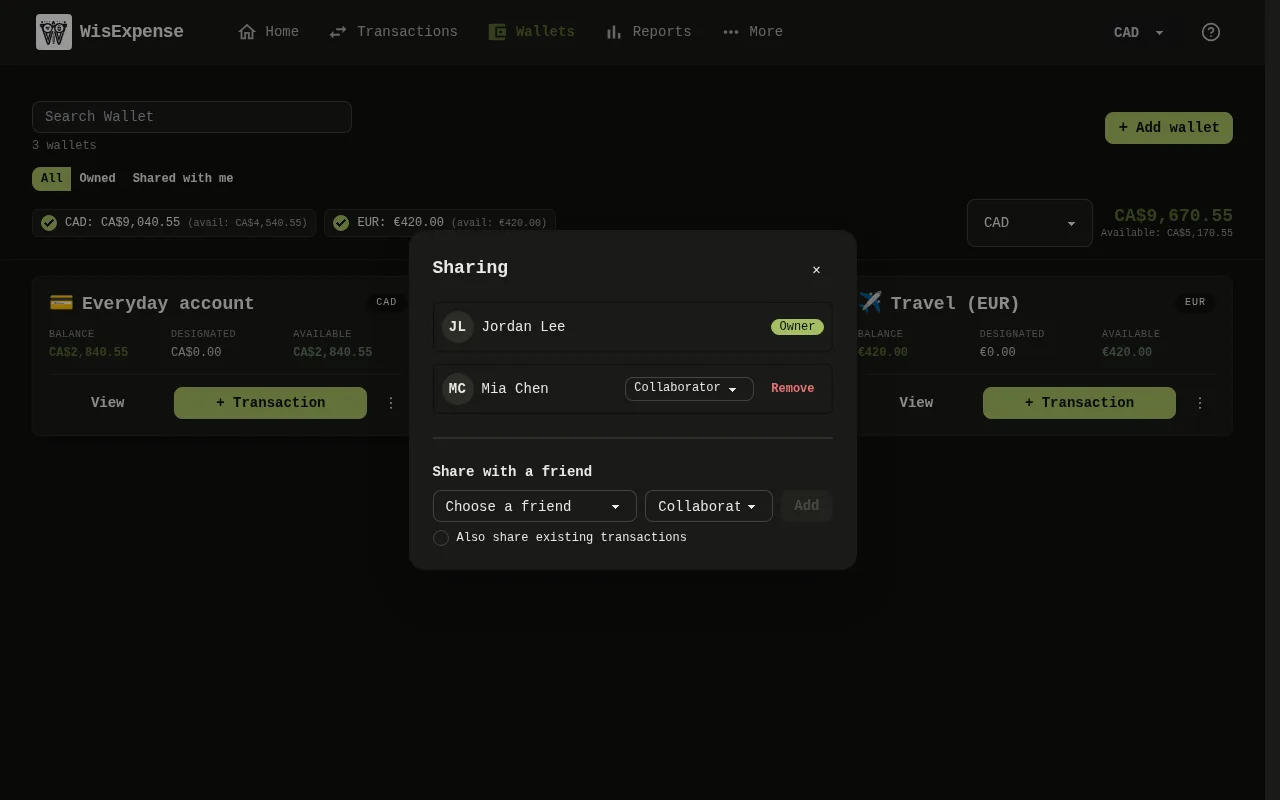
- Select Wallets in the menu, select the three dots on the wallet’s card, then select Share.
- Select Remove Marker 1 next to the person.
Mobile
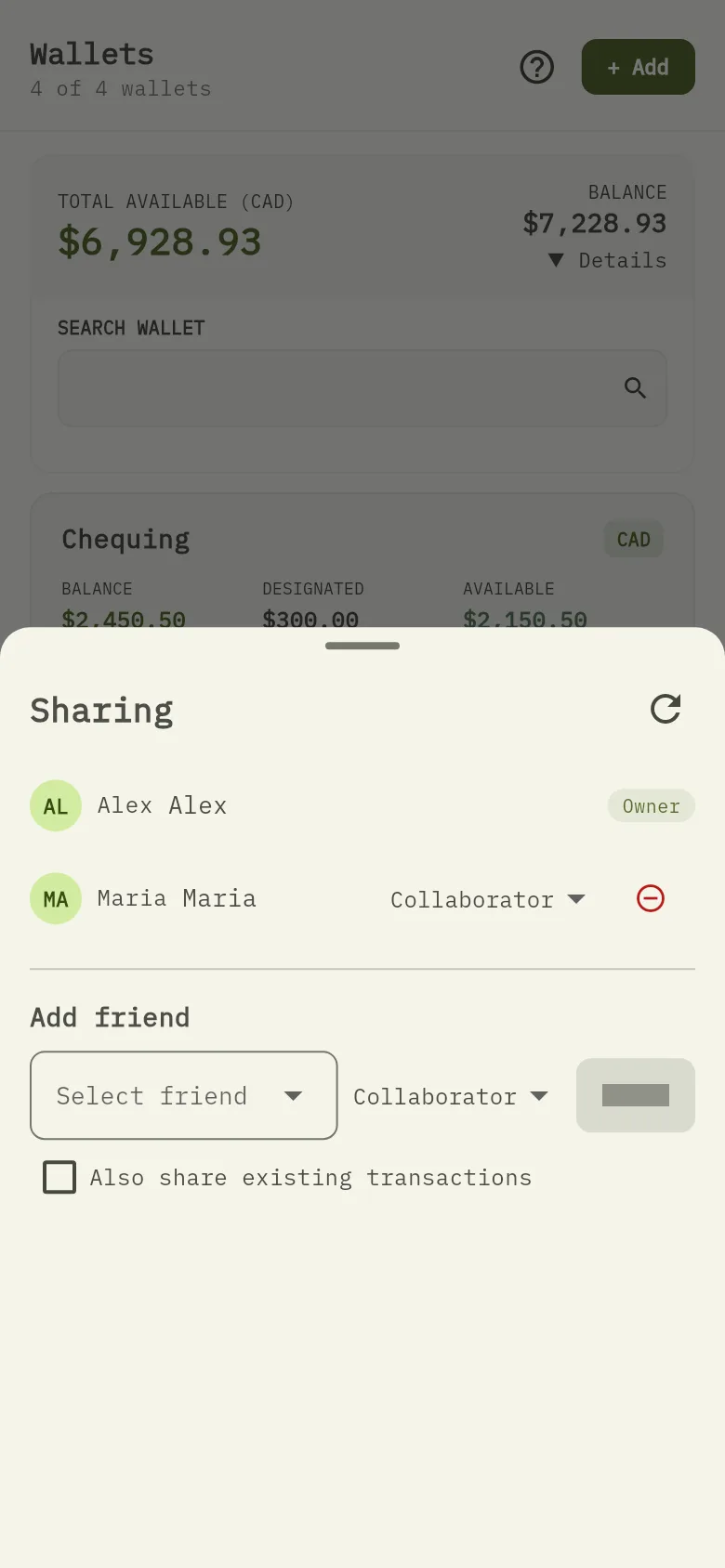
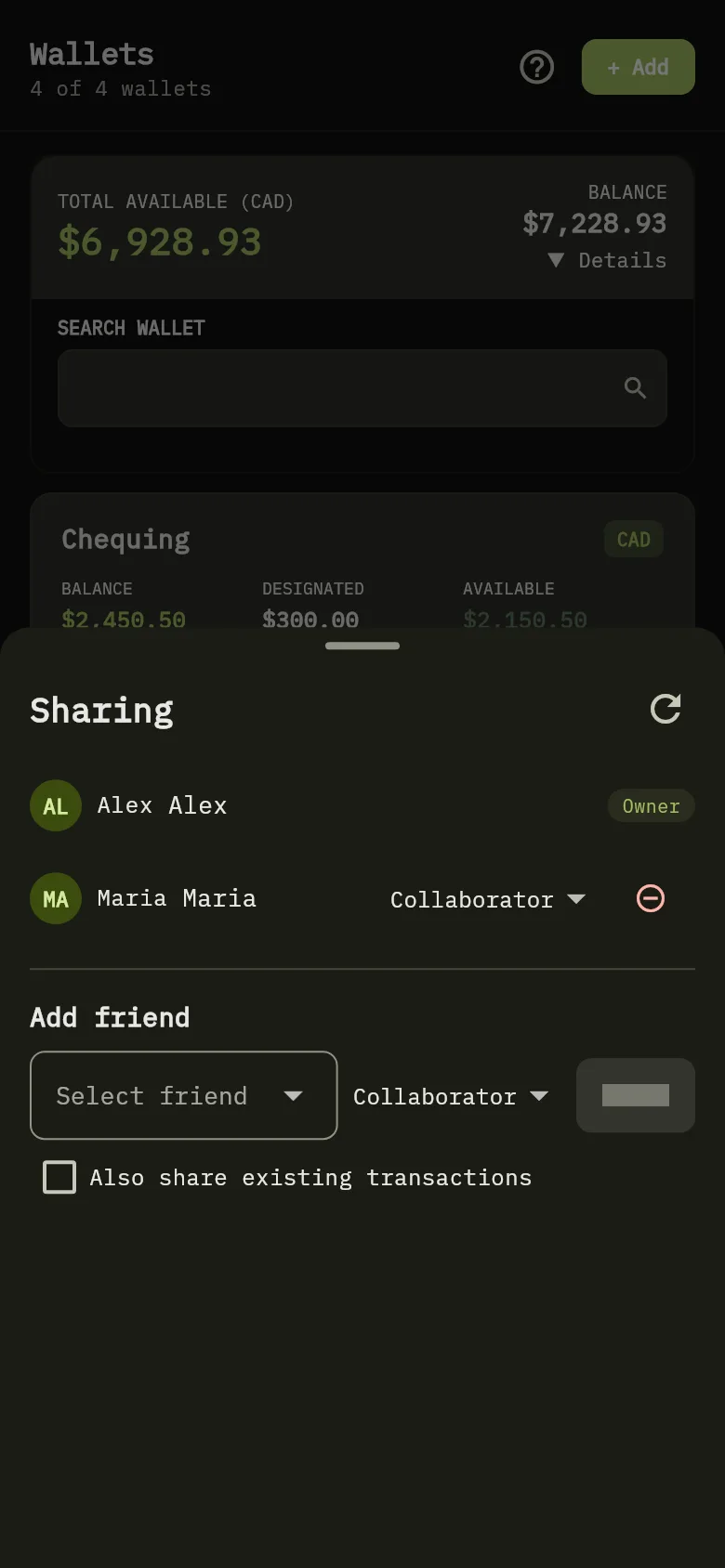
- Tap Wallets, tap the three dots on the wallet’s card, then tap Share.
- Tap the red minus button next to the person in the list Marker 2.
Your friend loses access to the wallet and to its transactions. The wallet and your transactions stay yours.
Block or remove a friend
Web
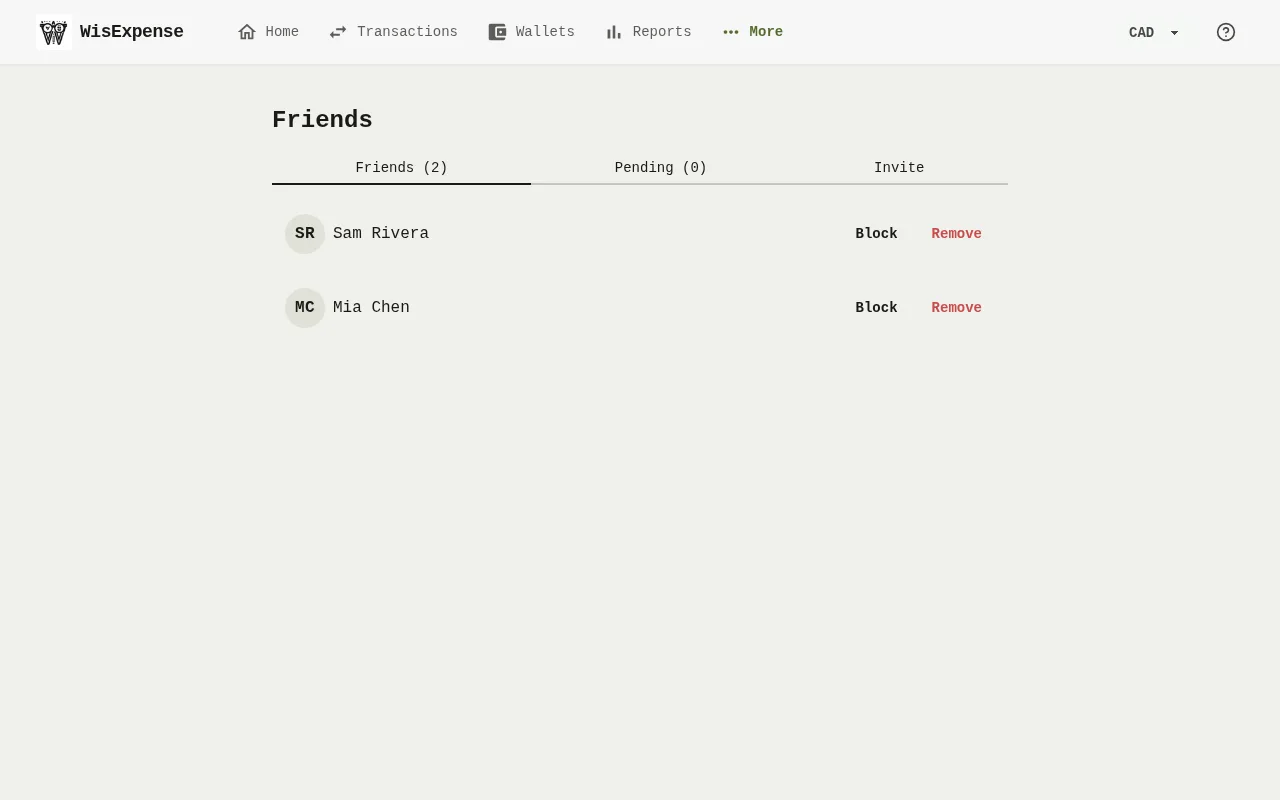
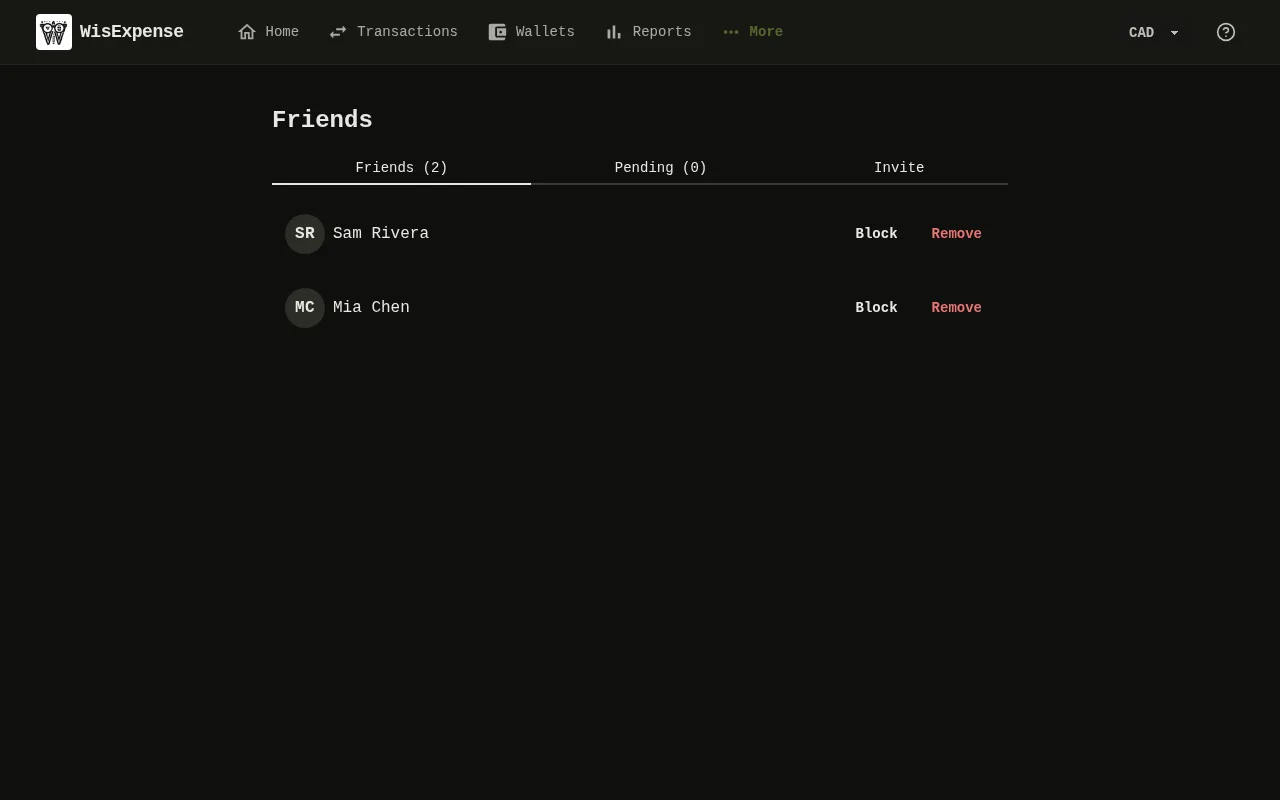
- Select Friends in the menu. Next to the friend, select Block or Remove, then confirm.
- To undo a block, find the friend under Blocked and select Unblock.
Mobile
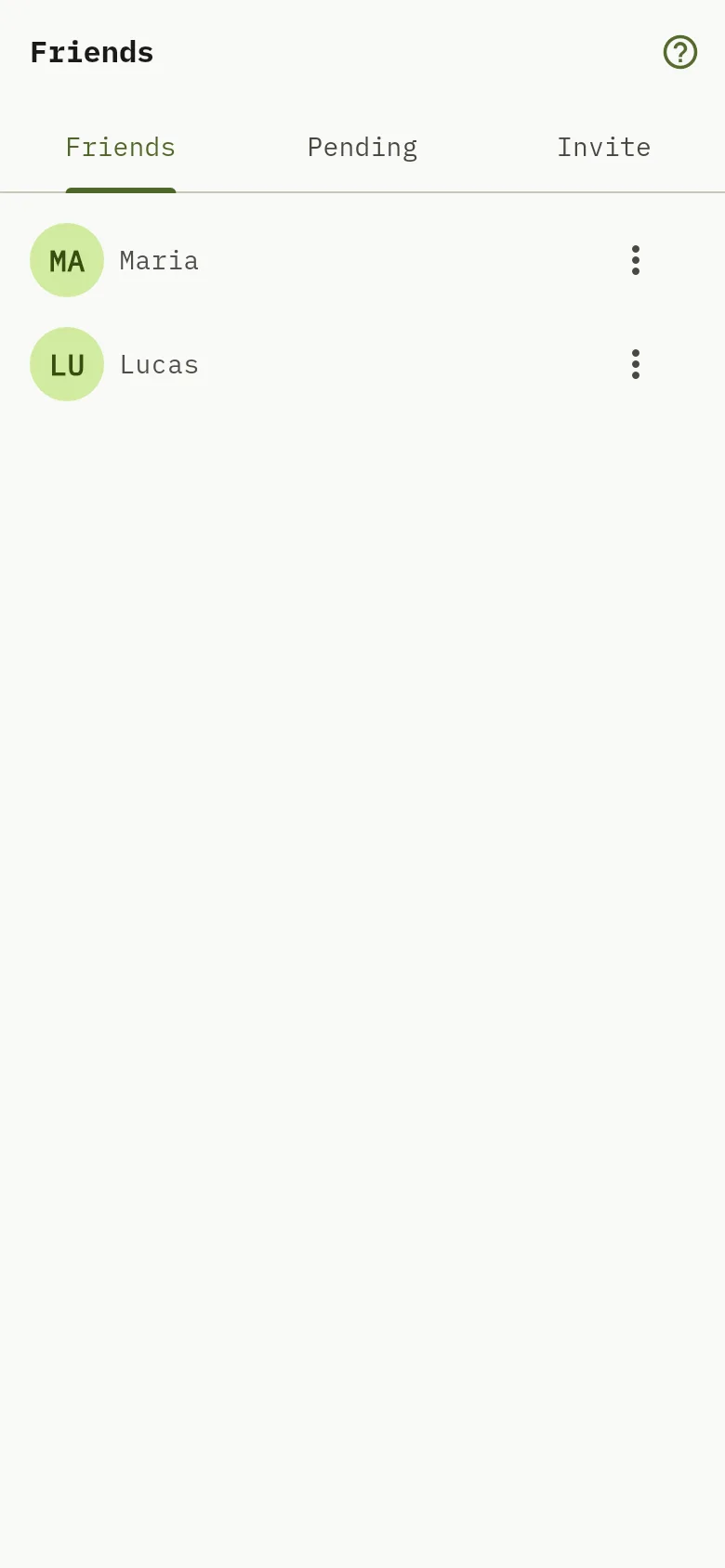
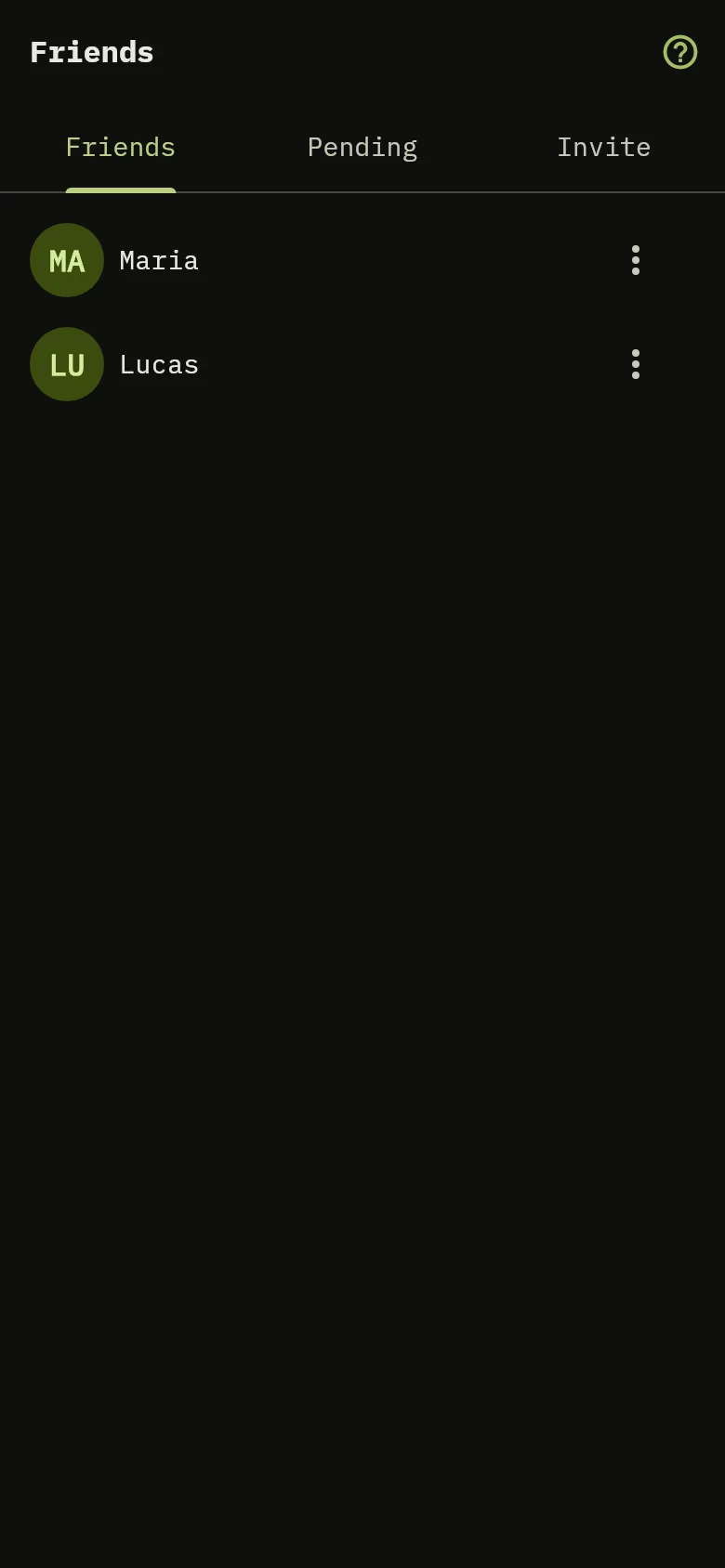
- Tap More, then tap Friends. On the friend’s row Marker 3, open the menu and choose Block or Remove, then confirm.
- To undo a block, open the menu on the friend’s row under Blocked and choose Unblock.
Warning
Block takes away both your access to what the other shared and theirs to what you shared, and Unblock restores it exactly as it was. Remove can’t be undone: you both lose access to everything shared between you for good, and you would have to share it again.
When someone deletes their account
If the owner of a wallet deletes their account, they choose beforehand: hand the wallet to one of its admins, with or without its records, or delete it for everyone. A wallet with admins can’t be deleted for everyone unless their access is removed first. If you delete your own account, the entries you made in wallets owned by other people stay in those wallets. See Delete your account.
What you see
The person no longer appears in the wallet’s list, or no longer appears under Friends. The mobile Friends screen is in English in every language.