
Share a goal
Share a goal with a friend, and see which wallets are shared with it.
Needs the Collaboration plan
Sharing a goal lets a friend follow it and spend toward it. A goal lives on wallets, so sharing it also shares those wallets.
Needs the Collaboration plan
Sharing a goal needs the Collaboration plan. On any other plan you are told so, with a way to upgrade.
Before you start
You need to own the goal, and the friend needs to be in your friends. Invite a friend first if they aren’t.
Steps
Web
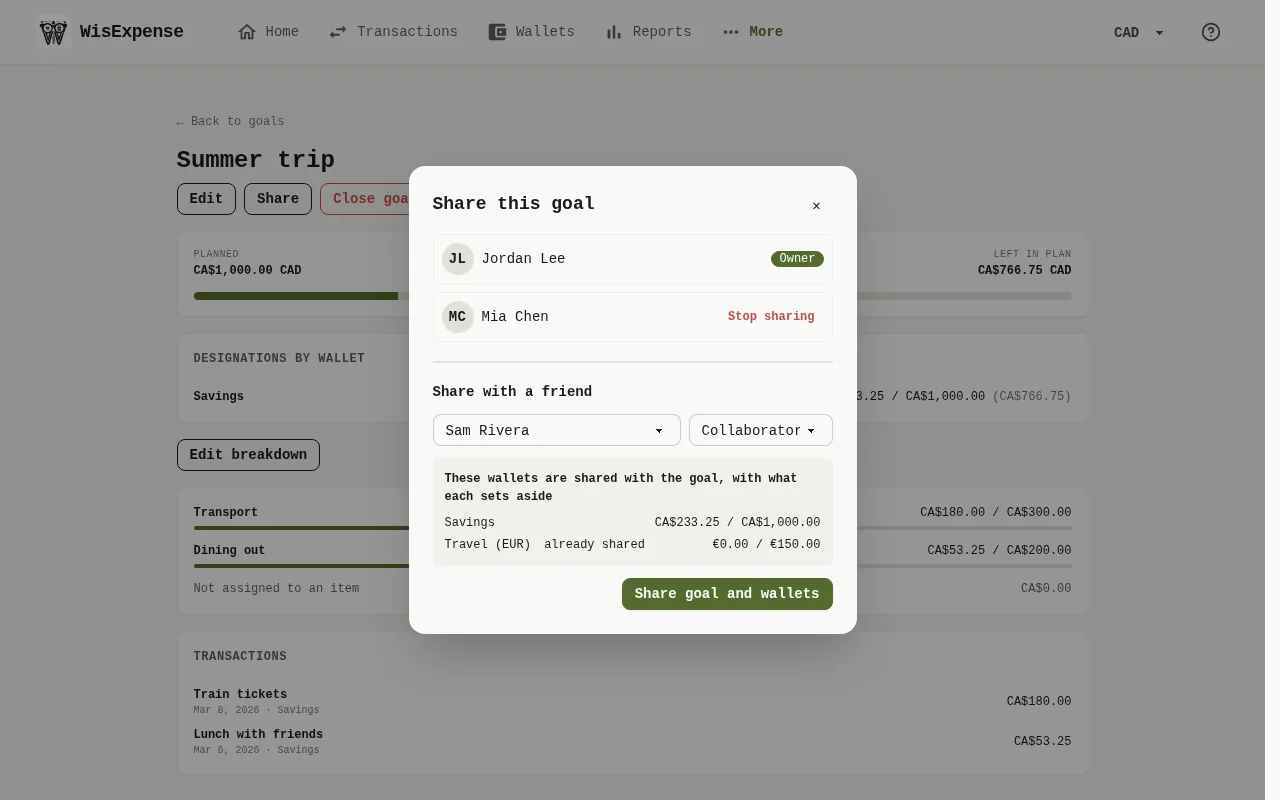
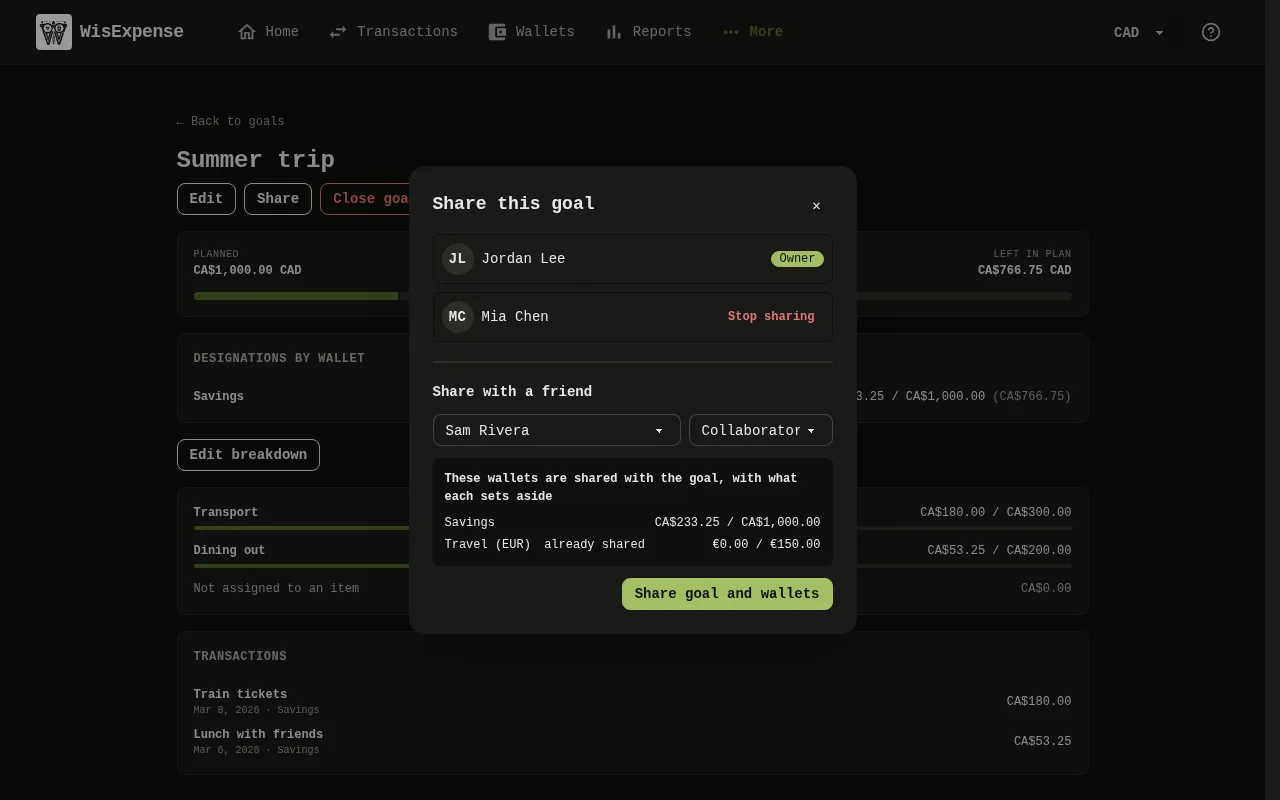
- Open the goal’s details and select Share.
- Choose the friend Marker 1 under Choose a friend, and their access.
- Read the list Marker 2: These wallets are shared with the goal, with what each sets aside. A wallet that is already shared with them is marked already shared.
- Select Share goal and wallets Marker 3. Nothing is shared until you do.
Mobile
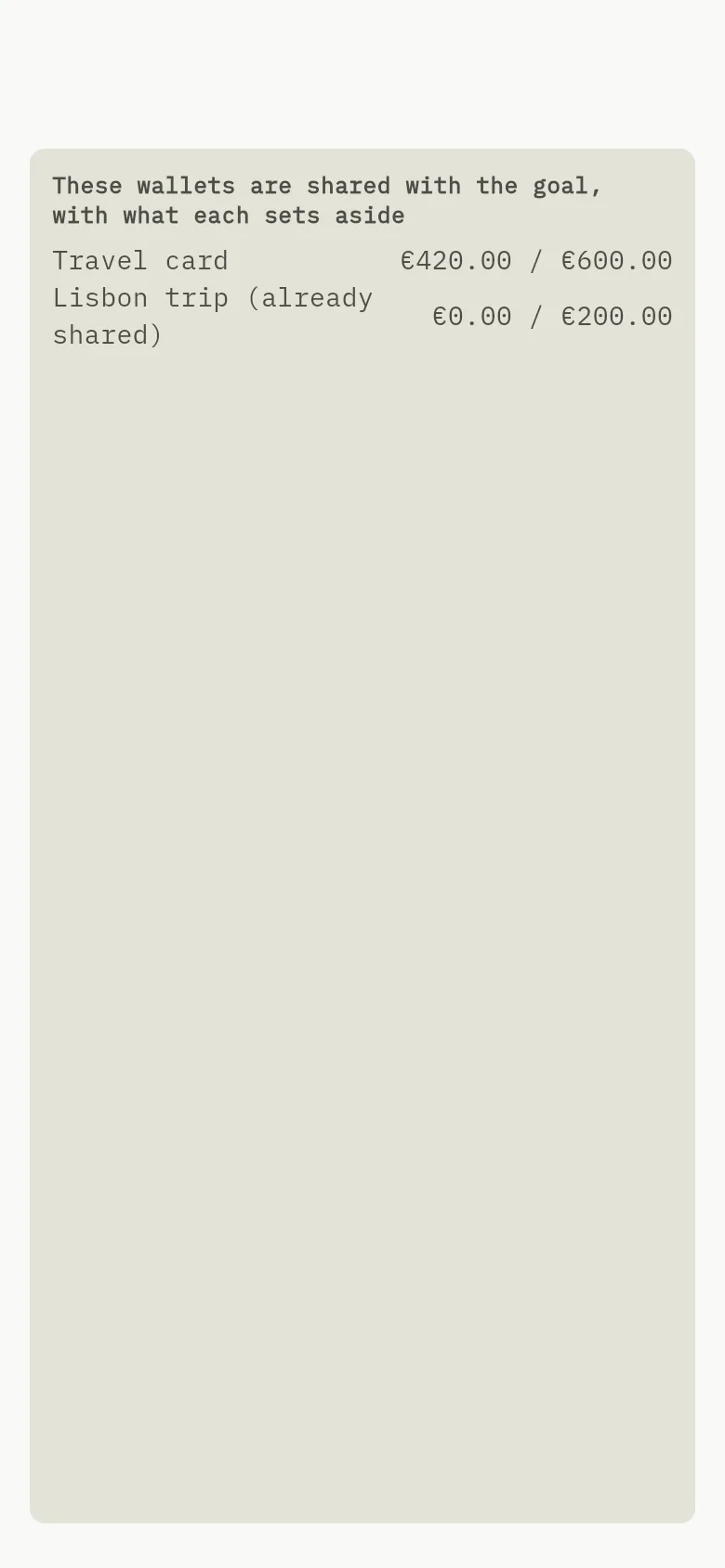
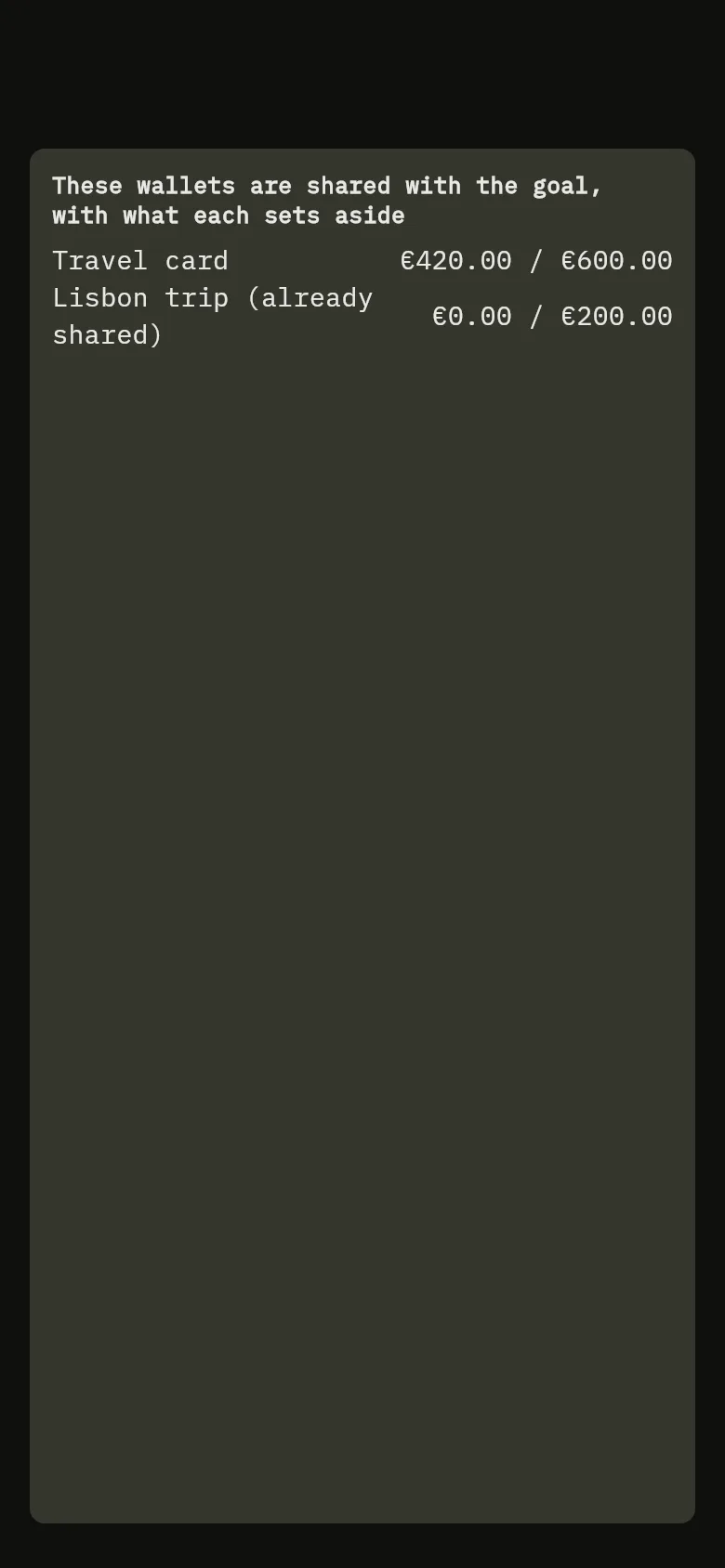
- Open the goal’s details and tap Share.
- Choose a friend under Choose a friend.
- Read the list Marker 2: These wallets are shared with the goal, with what each sets aside. A wallet that is already shared with them is marked already shared.
- Tap Share goal and wallets. Nothing is shared until you do.
If you can’t share one of the wallets, the goal can’t be shared either: you see This goal cannot be shared because you cannot share: and the wallet’s name, and nothing is shared.
What your friend can do
Your friend sees the goal’s plan, what was spent, what is left, its linked transactions and its breakdown, and can link their own expenses to it on the shared wallets. Only you can change the plan or the breakdown, move designations, close the goal or plan a similar one; those actions aren’t offered to them.
A goal that isn’t shared with them isn’t offered when they enter an expense on a shared wallet.
Stop sharing
In the same window, select Stop sharing next to the friend. Your friend loses access to the goal. You keep it with its history and links, and expenses your friend linked stay linked. If your plan falls below Collaboration, sharing stops the same way.
What you see
The friend is listed in the window, and the goal appears in their goals.
Related
Share a wallet and choose their role and Spend toward a goal.