
Record your first expense
Write down money you spent, in a wallet, with its category and amount.
Recording an expense keeps your wallet’s balance right and feeds your budgets and reports.
Before you start
You need a wallet. Create your first wallet if you haven’t yet.
Steps
Web
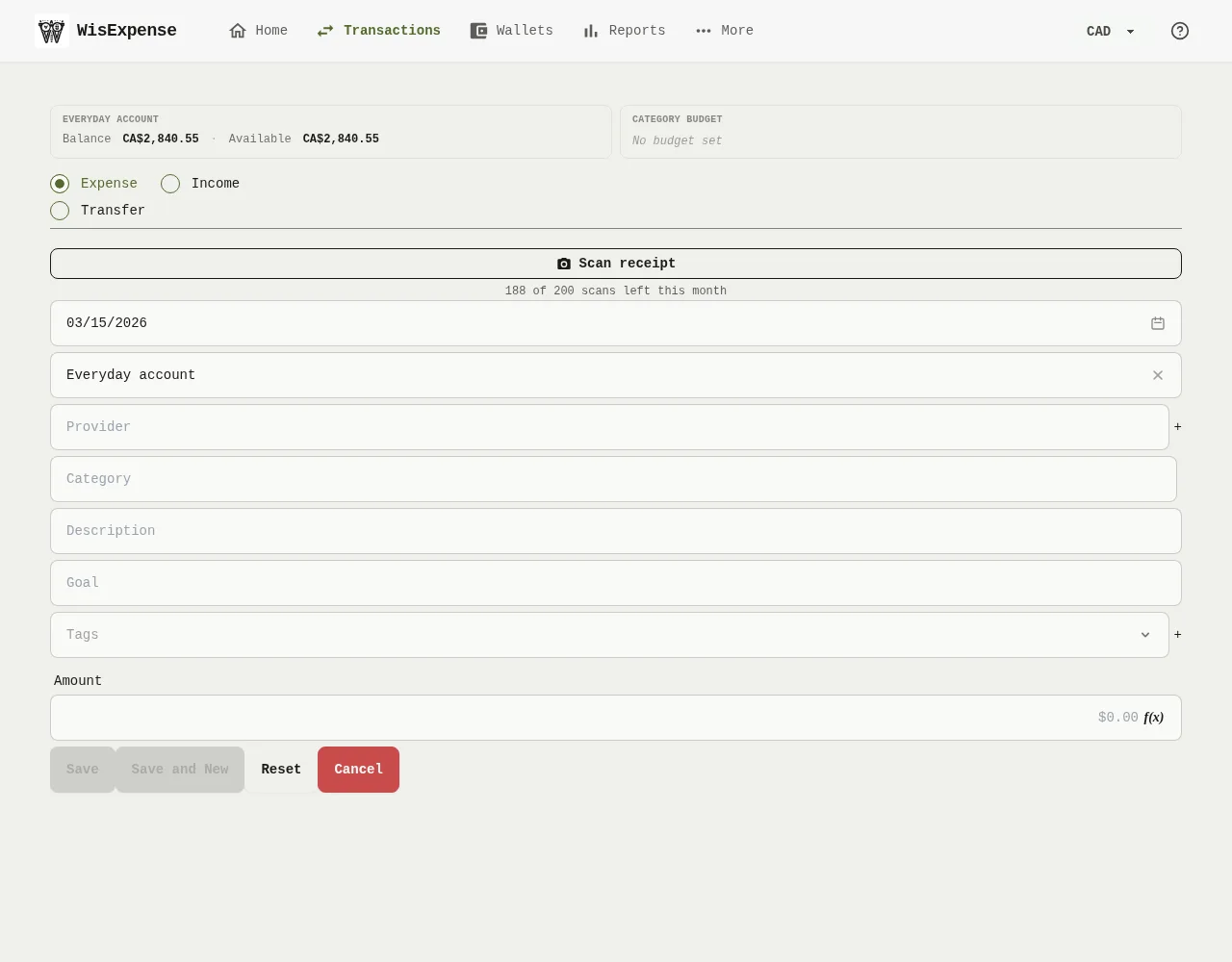
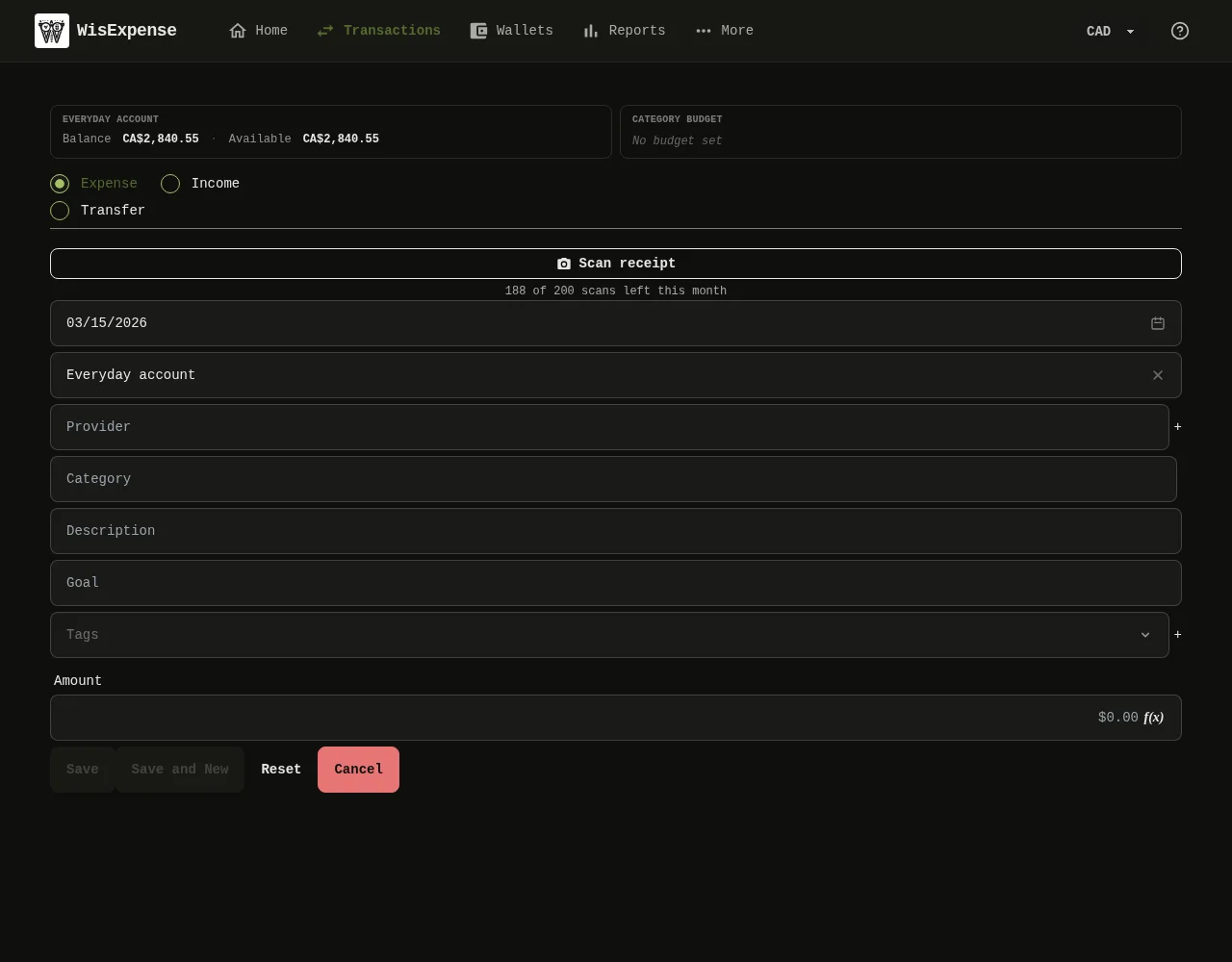
- Select + Transaction on the home screen or on a wallet.
- Check that Expense Marker 1 is selected.
- Choose the Wallet Marker 2 the money came from.
- Choose a Category Marker 3.
- Type the Amount Marker 4.
- Select Save Marker 5.
Mobile
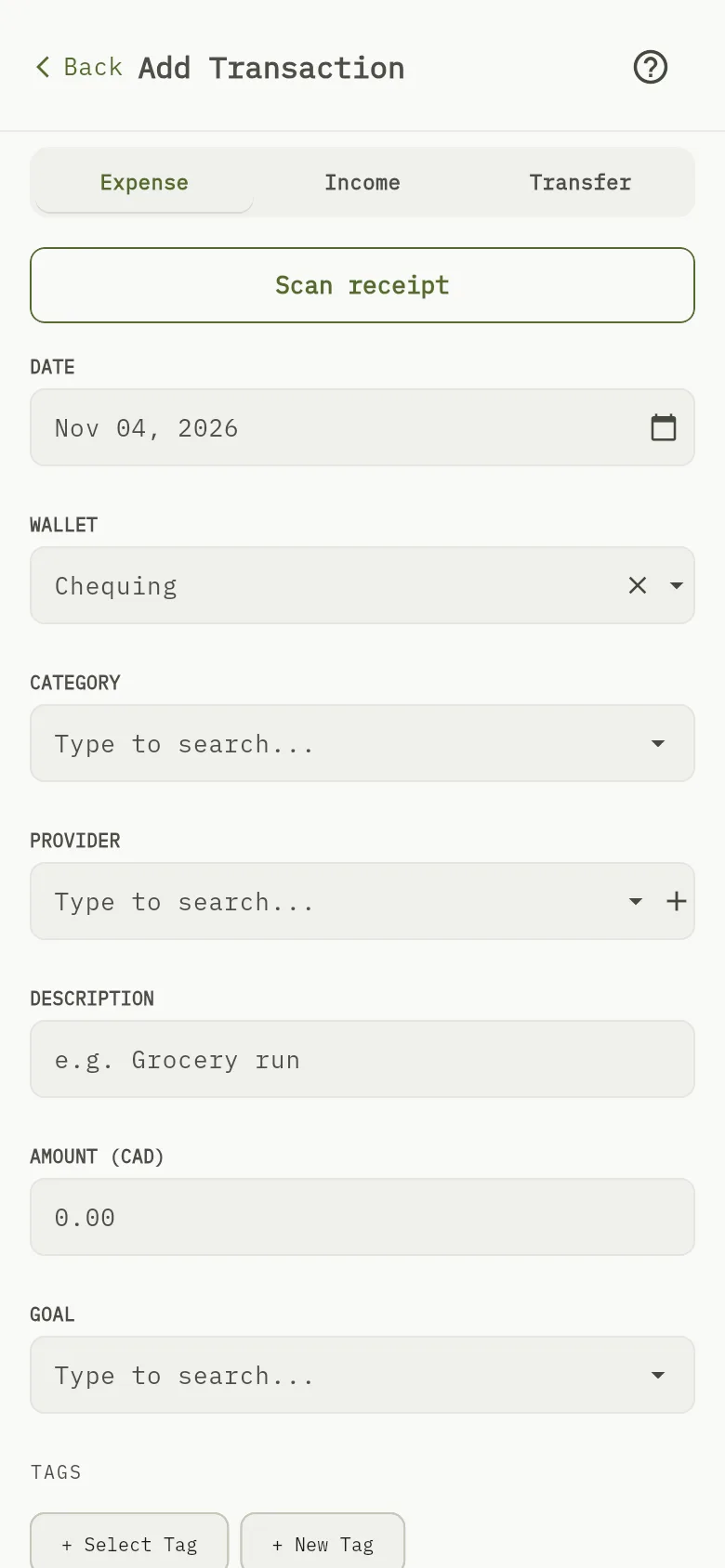
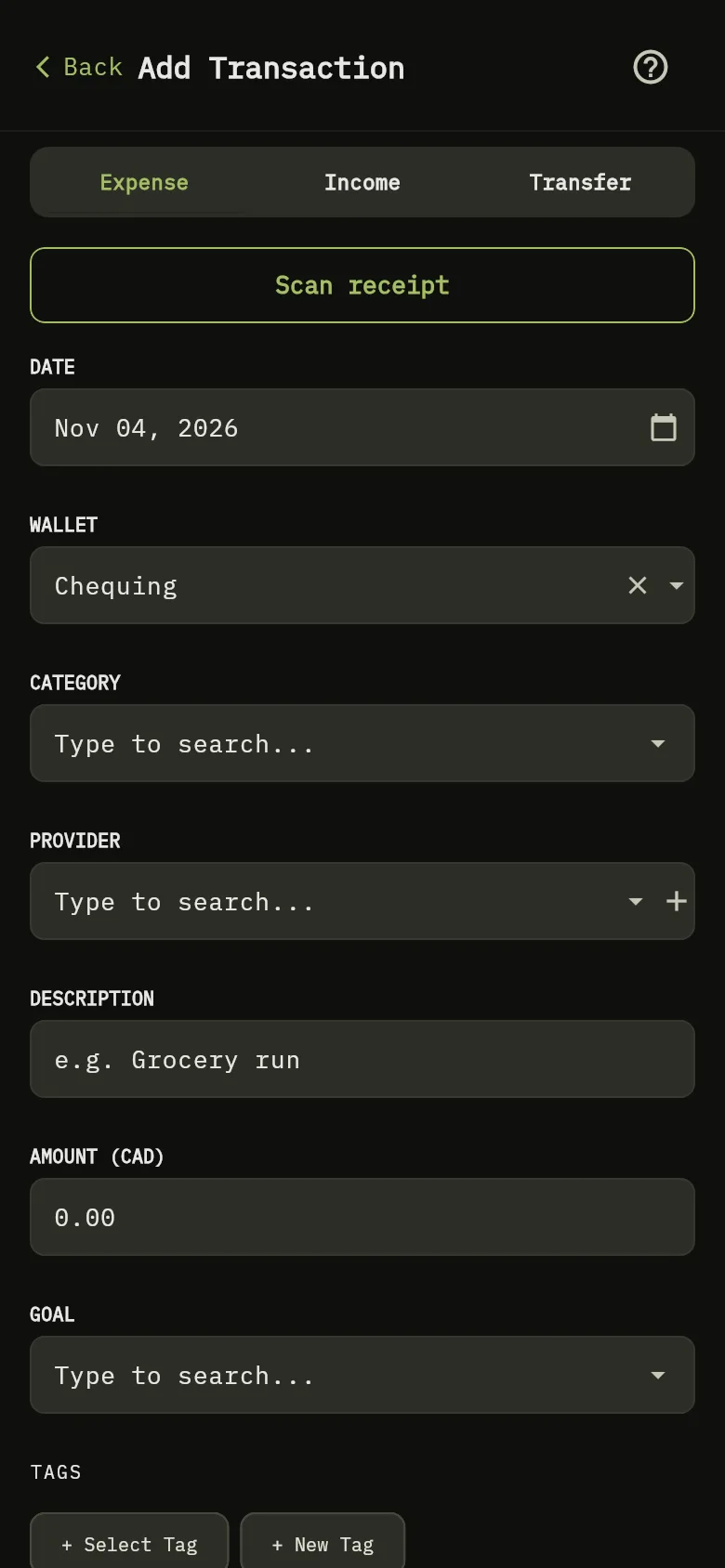
- Tap + Transaction on the home screen.
- Check that Expense Marker 1 is selected.
- Check the DATE Marker 6, then choose the WALLET and the CATEGORY.
- Type the amount Marker 4.
- Tap Save.
Needs the Premium plan
To fill the form from a photo of a receipt, use Scan receipt. It needs the Premium or Collaboration plan. See Scan a receipt.
What you see
The expense appears under Transactions, and the wallet’s balance goes down by the amount.