
Create your first wallet
Add a wallet for an account, a card or cash, in one currency.
A wallet holds money in one currency, such as a bank account, a card or cash. Every transaction belongs to a wallet.
Before you start
Nothing. Creating a wallet is the first thing to do, and every plan can do it.
Steps
Web
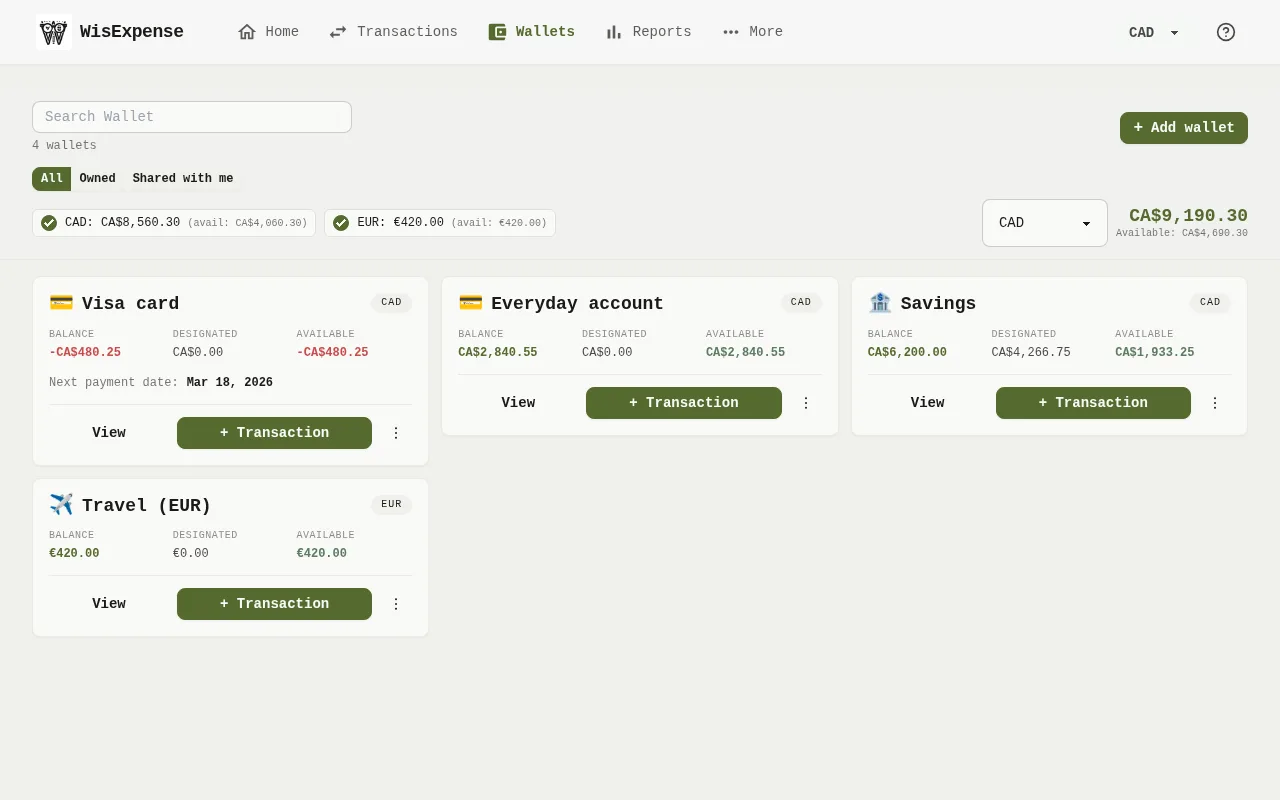
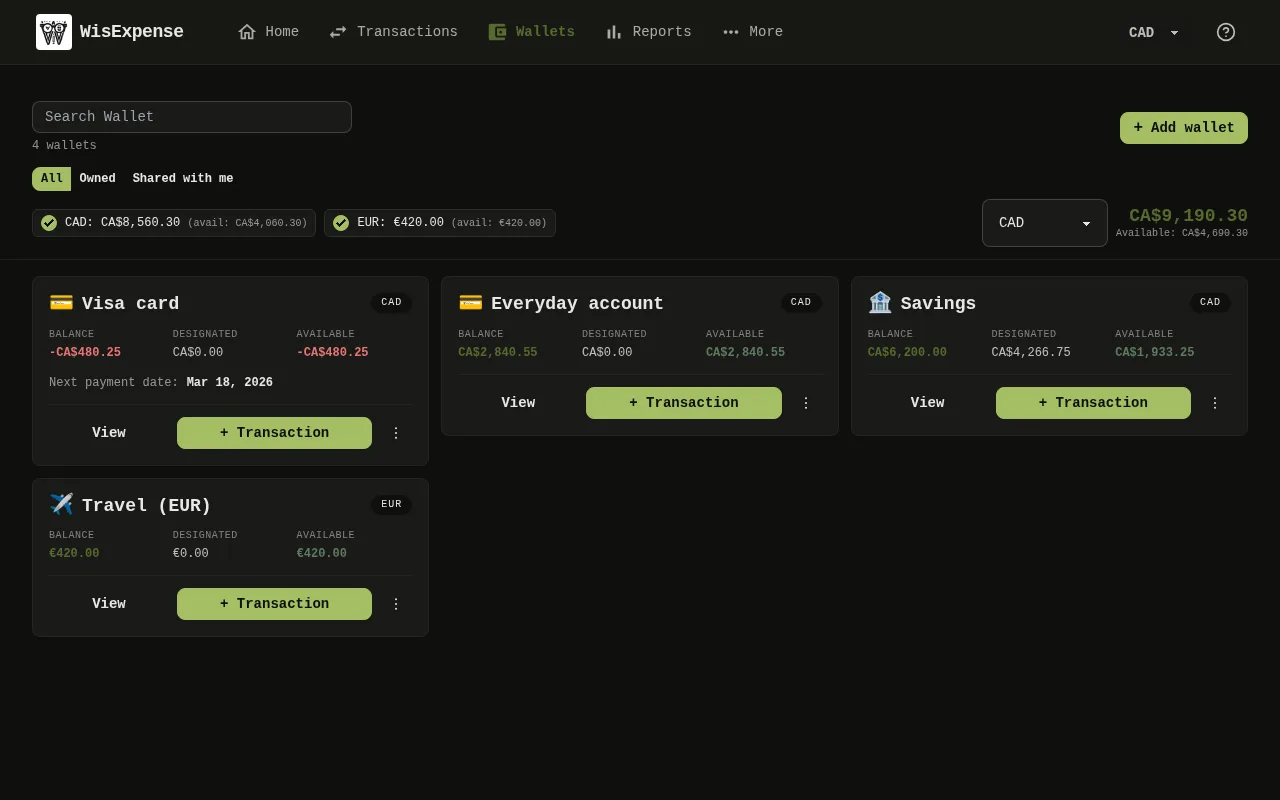
- Open Wallets from the menu at the top.
- Select Add wallet Marker 1.
- Type a Wallet Name, between 3 and 50 characters.
- Choose the Currency.
- Enter the Balance: the amount in the wallet today.
- If you like, add a Description and pick an Icon.
- Select Save. The wallet appears as a card Marker 2 with its balance.
Mobile
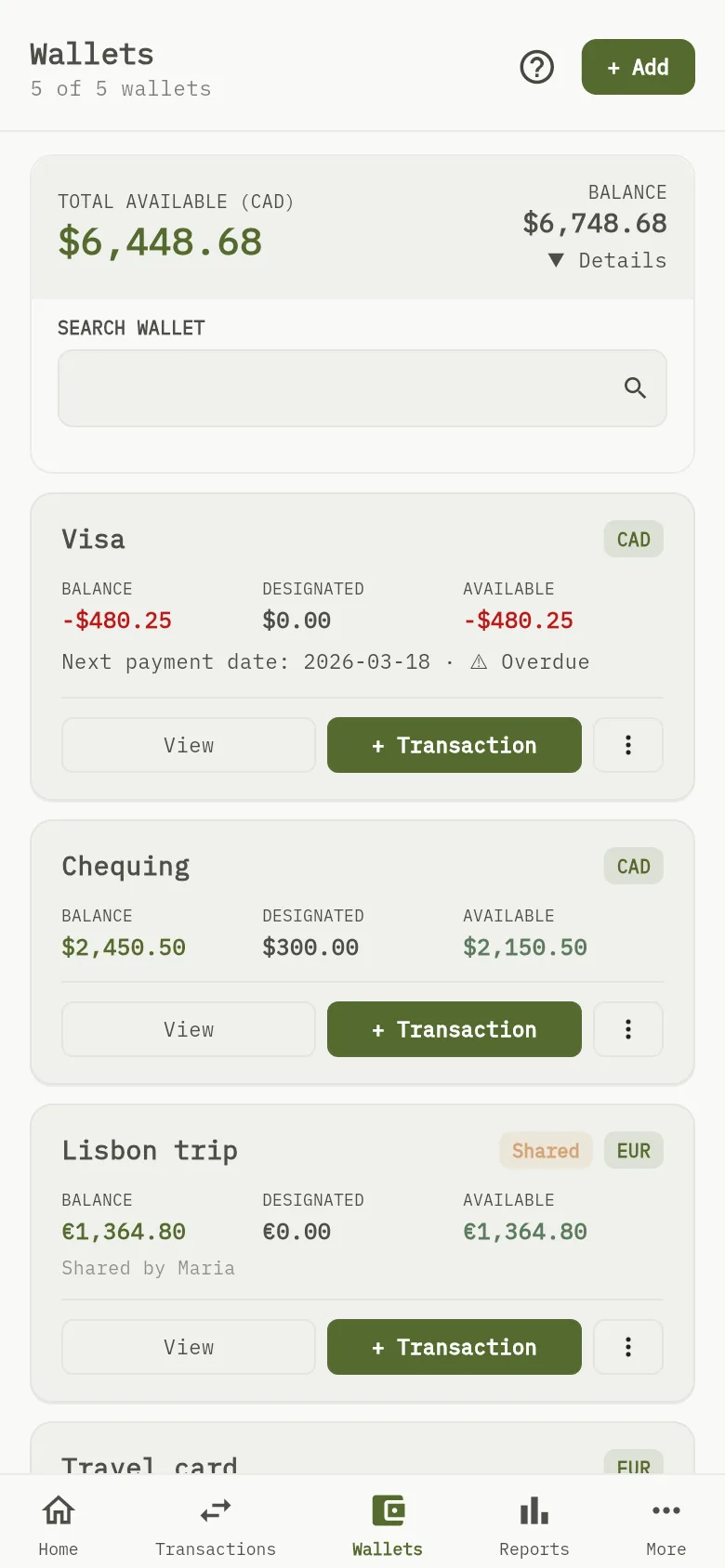
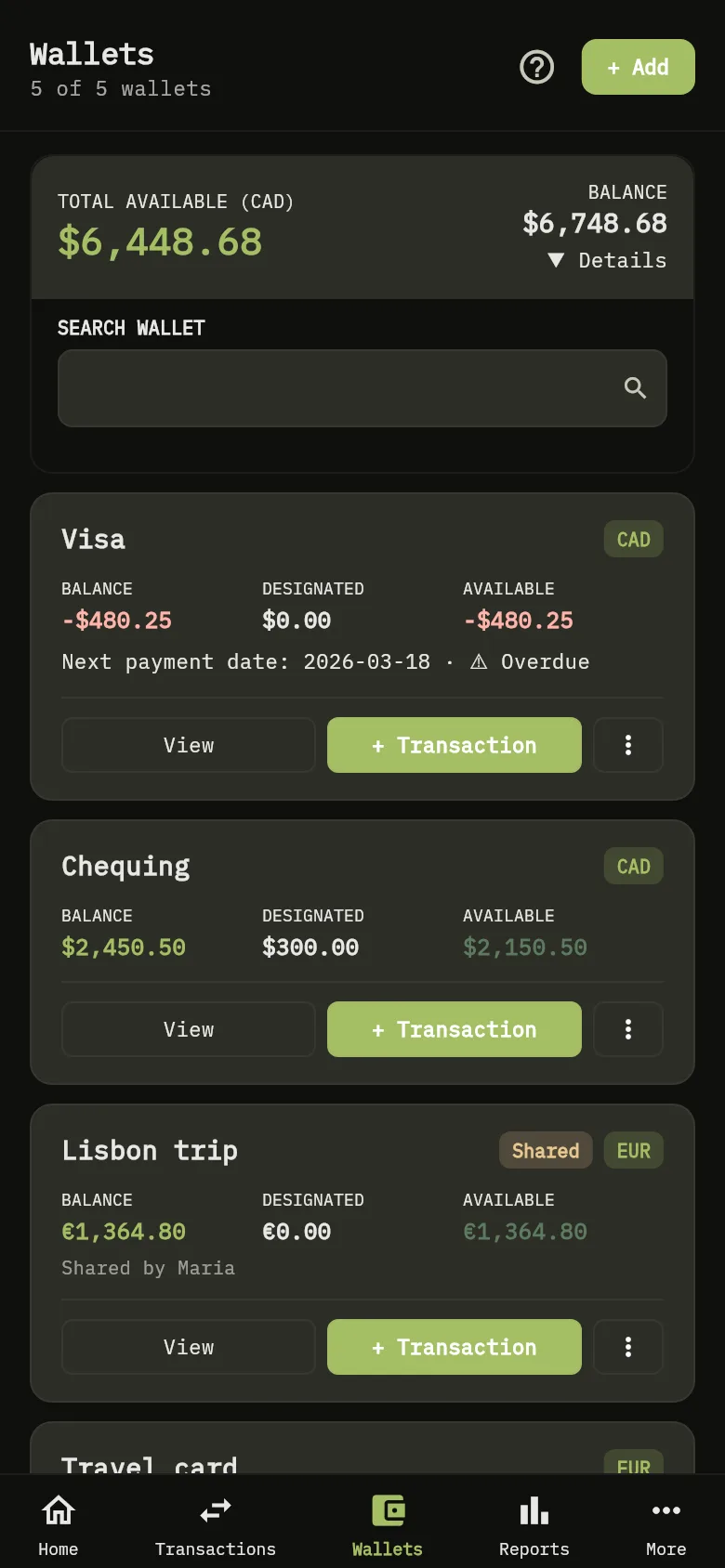
- Tap Wallets at the bottom.
- Tap + Add Marker 3.
- Type the Wallet Name, choose the Currency and enter the Initial Balance. If you like, add a Description.
- Tap Save. The wallet joins the list, and the total Marker 4 includes it.
If the wallet is a credit card, you can mark it as one now or later: see Track credit card payments.
Tip
The free plan allows up to 2 wallets that you create. Wallets that someone shares with you don’t count. When you try to create a third, the app tells you about the limit: 2-wallet limit reached. Choose a plan to add more, or see Upgrade your plan.
Tip
A wallet has one currency. Create one wallet for each currency you use: WisExpense converts totals into your viewing currency.
What you see
Your wallet shows its balance, and the total available includes it.