
Add recurring items to a budget period
Put the bills you pay every month into a period, then mark each one as paid when you record it.
Recurring items are the payments you expect, such as rent or an internet bill. Adding them to a period lists them as pending items with an expected amount and date. When you pay one, you apply it and it counts as paid.
Before you start
You need a budget period and some recurring items. See Create a budget period and Recurring items.
Steps
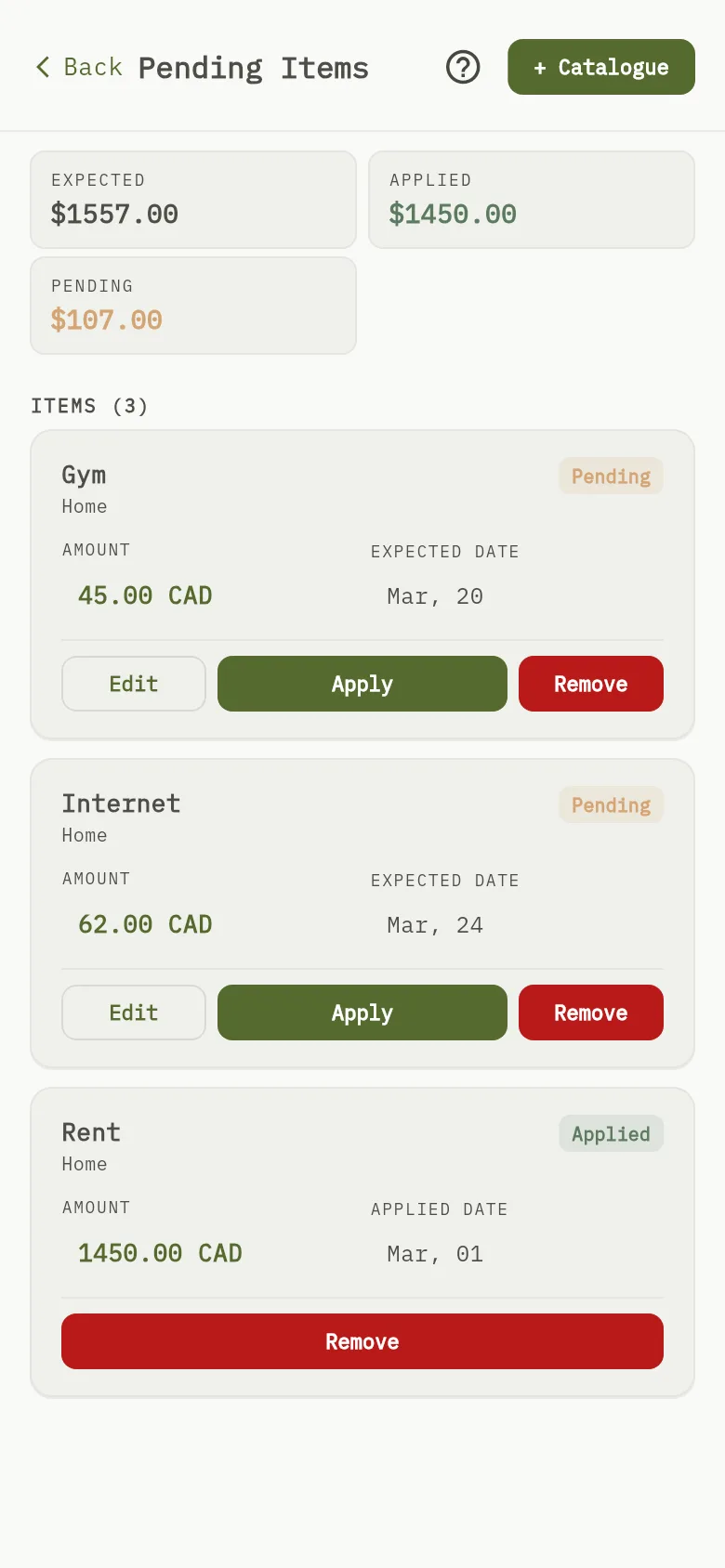
- Open More, then open Budgets and the period. Open a category that shows a pending amount.
- Open + Catalogue Marker 1, tick the recurring items you want and select Add Selected ({{ count }}).
- Check the totals Marker 2 and the amount and date of each item Marker 3. To change them, open the item and update its details.
- When you pay an item, select Apply on it and save the transaction.
What you see
An applied item is linked to the transaction you saved, and the totals show it as applied instead of pending. Each category of the period shows what recurring items expect, what is applied and what is left.