
Get alerts when you overspend
Be told when your spending reaches a share of your budget, overall or in one category.
Only in the mobile app
Budget alerts tell you when what you spent reaches a percentage of what you planned. You can set one for the whole budget and others for single categories. An alert is sent once each time a threshold is reached in a period.
Before you start
You need an active budget period. See Create a budget period. Alerts are set in the mobile app.
Steps
Mobile
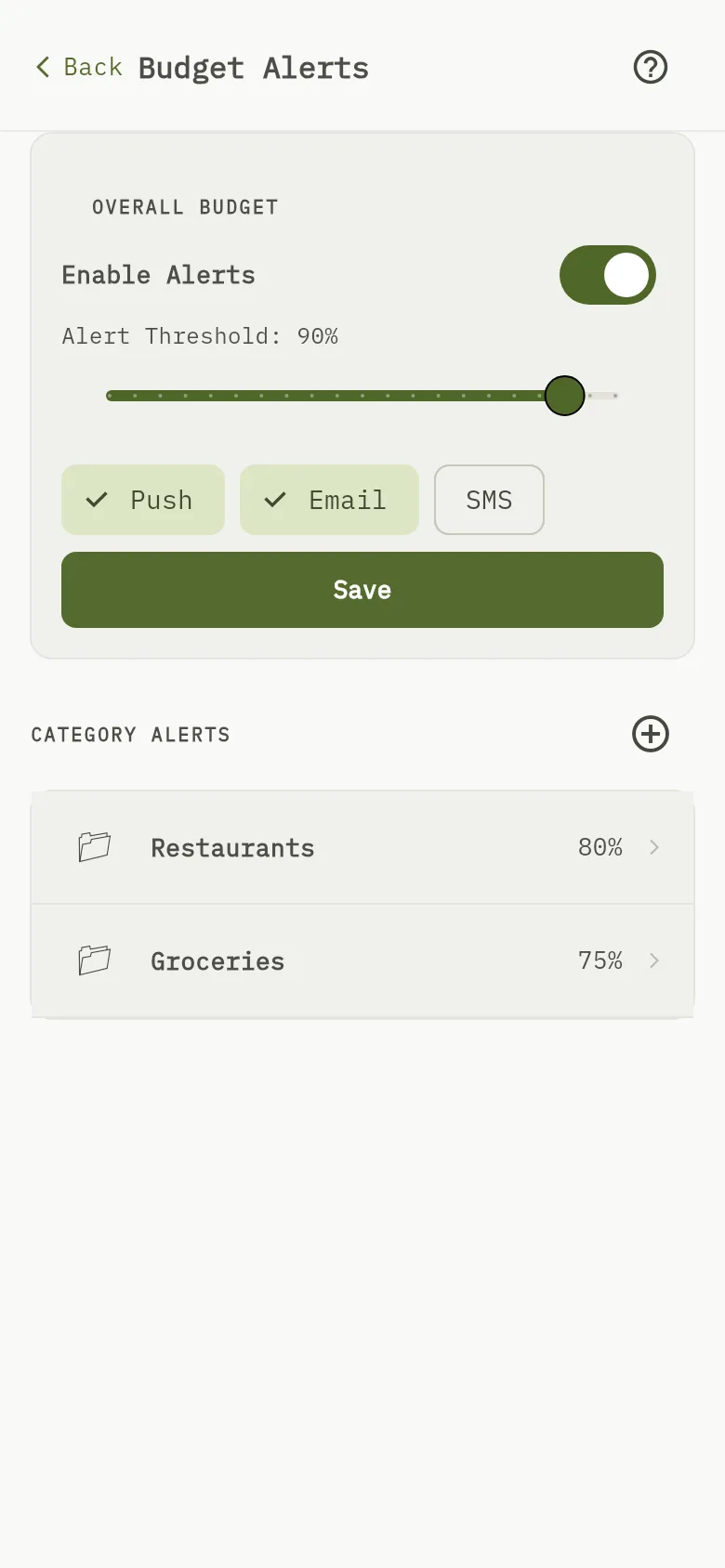
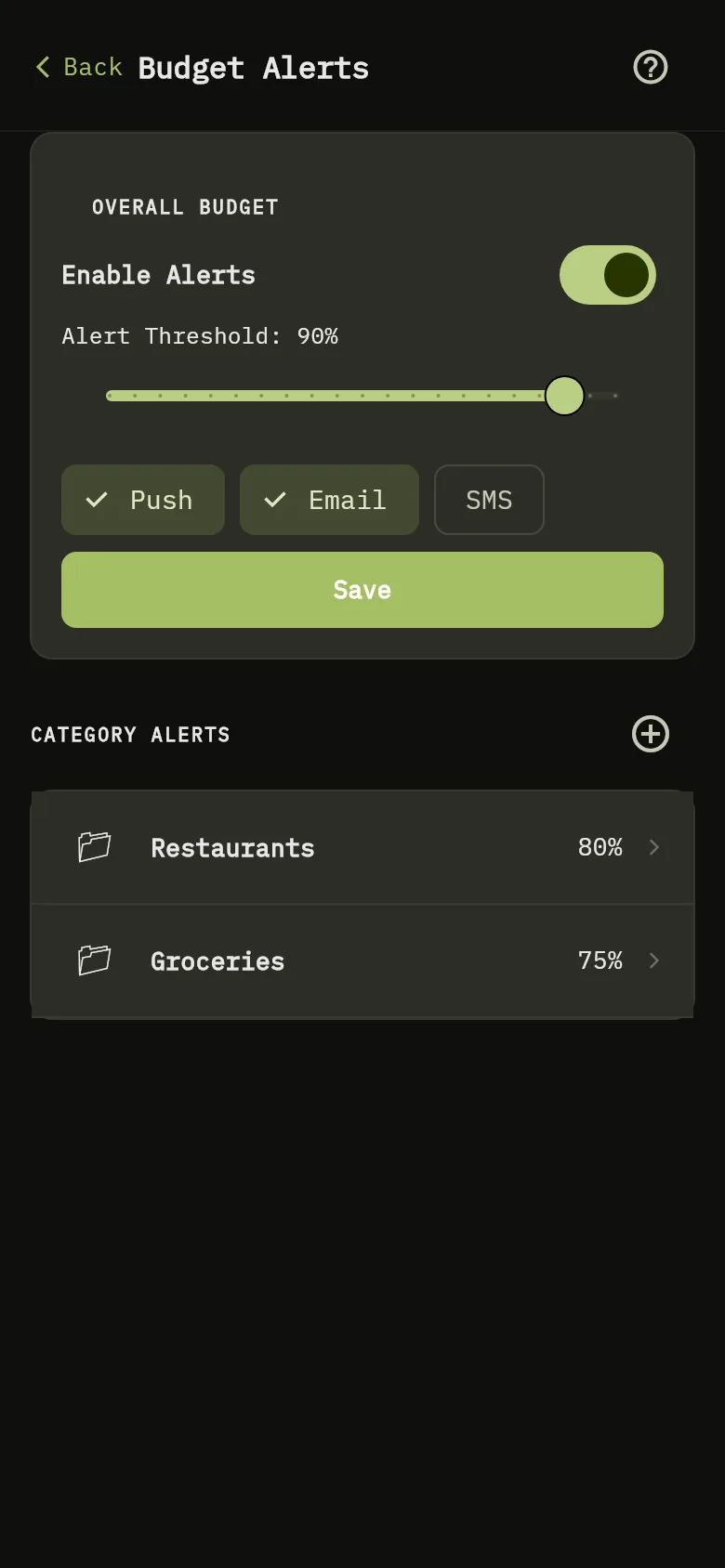
- Tap More, then tap Budget Alerts.
- Under Overall Budget Marker 1, turn on Enable Alerts.
- Move the Alert Threshold to the share of your budget at which you want to be told. For example, at 80% you hear when you have spent 80% of it.
- Choose how to be told: Push or Email.
- For one category, tap Add Category Alert under Category Alerts Marker 2. Choose the category, its threshold and how to be told, then save.
- Tap Save.
What you see
You are told when your spending in a period reaches the threshold, by the channels you chose. Amounts in other currencies are converted to the currency of the period before they are compared.